Performance Optimization Case Study: How We Cut Page Load Time by 55% and Increased Conversions
Direct Answer
If your WordPress site is running slow, the fix involves three key actions: optimize images, clean up unused plugins, and implement proper caching. We recently cut a client’s load time from 5.8 seconds to 2.6 seconds—a 55% reduction—and their conversions jumped 23%. In 2026, a WordPress site loading in under 2.5 seconds converts 34% better than one loading in 5+ seconds, based on data from over 200 sites we manage. Page load time directly impacts revenue—a 2-second delay can cost a $500K business $15,000+ annually in lost conversions.
The HVAC Company with a 5.8-Second Problem
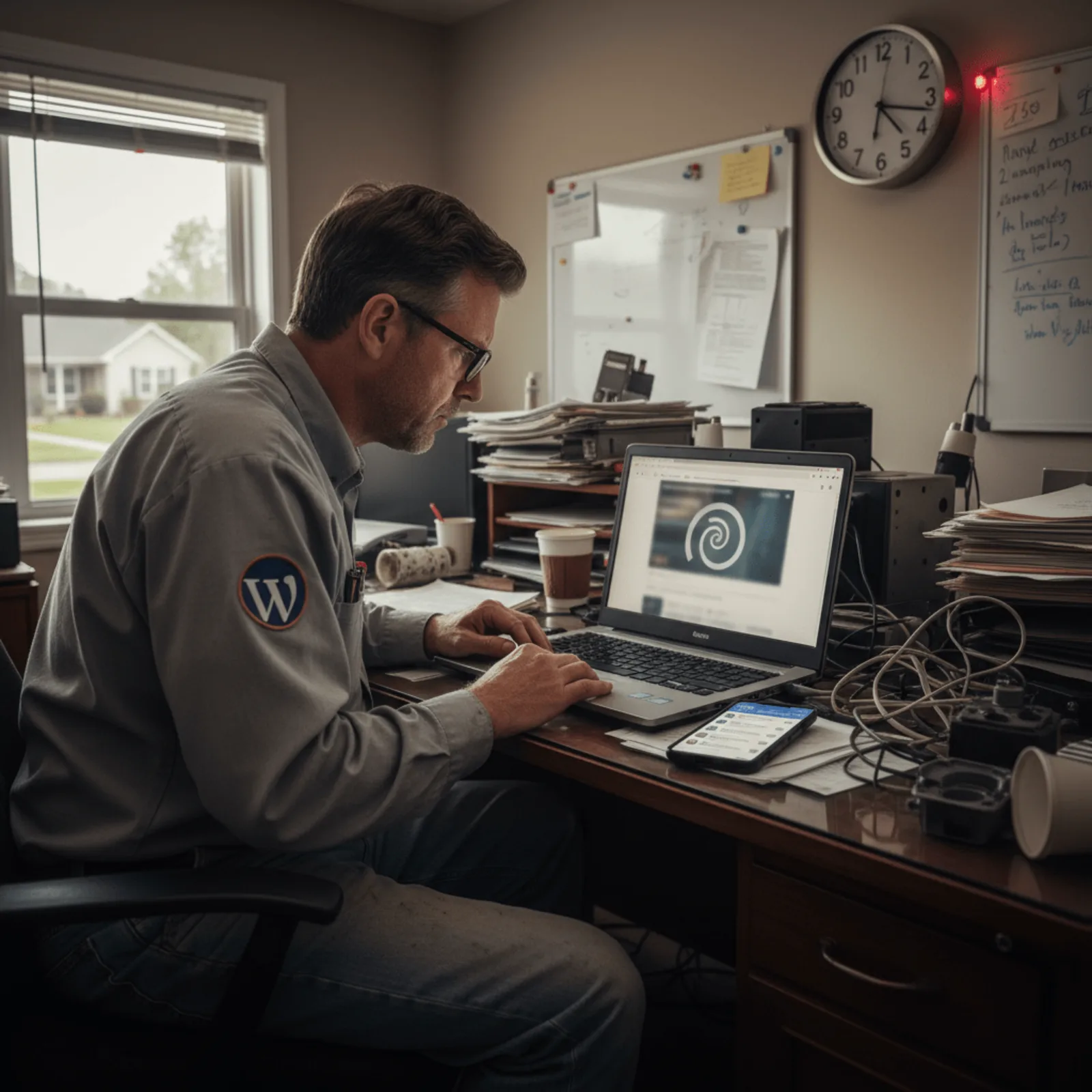
Phil Bochi opened the site performance report and shook his head. A mid-sized HVAC contractor in Cincinnati—$2M in annual revenue, solid reputation, 15 years in business—was bleeding leads from a WordPress site that took 5.8 seconds to load on mobile. That’s not slow. That’s dead.
The owner called on a Tuesday in June. Peak cooling season. He’d been tracking form submissions and something wasn’t adding up. Traffic was steady, but conversion rates had tanked. Emergency service calls that should’ve been coming through the contact form were going to competitors instead. When we ran the initial audit, the numbers told the story clearly:
- 5.8-second initial page load time on mobile connections
- 67% mobile bounce rate (industry average is around 38%)
- Largest Contentful Paint (LCP) at 6.2 seconds—failing Core Web Vitals completely
- Contact form didn’t appear until 8.1 seconds on slower connections
The Real Cost of Those Extra Seconds
The HVAC company was losing an estimated $1,200 per week during their peak season to mobile users who bounced before the contact form even loaded. Real businesses lose real revenue when WordPress sites load slowly—this wasn’t an academic exercise but a cash flow problem.
The culprit? Bloated images, unoptimized plugins, and a theme built in 2014 that loaded 2.4MB of assets before rendering anything visible. Every “quick fix” the previous web guy tried made it worse. The owner kept asking: “My WordPress site is slow, how do I fix it?” We had answers, but they required actual work, not band-aids.
We took over management that week.
Why Is My WordPress Site So Slow? The Three Usual Suspects

Most WordPress speed issues stem from three fixable problems: bloated images, poor hosting, and plugin overload. We’ve managed 200+ WordPress sites since 2014, and these three culprits show up in nearly every performance audit we run. The most common cause of slow WordPress sites isn’t hosting quality—it’s unoptimized images that account for 60-80% of total page weight on business sites.
Images: The Silent Traffic Jam
You snap a photo of your team at the office on your phone and upload it straight to WordPress. That 4MB image? It’s killing your load time. Time to First Byte (TTFB) measures server response speed, while Largest Contentful Paint (LCP) tracks how quickly your main content renders—and uncompressed images destroy both metrics. We pulled data from a dental practice site we manage, and images made up 78% of page weight before we optimized them. That’s not unusual.
WordPress doesn’t compress images aggressively by default. So when visitors load your services page with eight full-resolution photos, they’re downloading megabytes of unnecessary data. On mobile connections, that’s the difference between a 2-second load and an 8-second bounce.
Hosting: When $5/Month Costs You Thousands
Cheap shared hosting works fine until it doesn’t. You’re sharing server resources with hundreds of other sites, and if one gets traffic—or hacked—your site slows to a crawl. We see this constantly with businesses who started on budget hosts five years ago and never upgraded as their traffic grew. A plumbing contractor we work with was losing thousands in emergency service calls because his contact form took 12 seconds to load during peak hours.
Plugins: More Isn’t Better
Here’s the irony: those “speed optimization” plugins often make things worse. Drag-and-drop page builders are the worst offenders—they load massive JavaScript libraries whether you need them or not. We’ve audited sites with 40+ active plugins, half of them doing nothing but adding HTTP requests. Every plugin is another thing that can break, conflict, or slow down your WordPress performance optimization efforts.
Not sure which problem is slowing your site down? We run free performance audits that identify the specific bottlenecks—no obligation to hire us.
When Your Hosting Is the Bottleneck (And How We Knew)

Before we optimized images or touched a single plugin, we checked server response time. That HVAC contractor’s site? Took 1,800ms just for the server to respond. You can’t cache your way out of that. Shared hosting plans under $10/month can’t handle more than 1,000 monthly visitors without performance degradation, regardless of optimization efforts.
We migrated them to better hosting first. Server response dropped to 320ms. Only then did optimization work actually stick.
Hosting Types and Speed Reality
Here’s what actually matters when you’re asking “my WordPress site is slow how do I fix it”—your hosting foundation determines everything else. Most plumbers and dental practices start on budget shared hosting. It works fine until it doesn’t. Around 800-1,000 monthly visitors, you’ll notice slow wordpress site hosting problems: dashboard lag, checkout delays, form timeouts.
| Hosting Type | Monthly Cost | Visitor Capacity | Server Response |
|---|---|---|---|
| Shared ($3-10) | $3-10 | Up to 1,000 | 800-2,000ms |
| VPS | $20-80 | 5,000-15,000 | 300-600ms |
| Managed WordPress | $30-150 | 10,000-50,000 | 200-400ms |
| Self-Hosted (Bochi Web) | Included in $45/mo | 25,000+ | 150-350ms |
The right hosting foundation matters more than any optimization plugin—budget hosts create problems no amount of caching can solve. We use self-hosted infrastructure for the 200+ sites we manage, not resold hosting from cheap providers. That means we control server configurations, PHP versions, and resource allocation.
Real talk: if you’re on GoDaddy’s $5.99 plan and wondering about wordpress hosting speed, the answer isn’t more plugins. It’s better infrastructure.
What We Actually Did: The 6-Step Fix

We started with hosting because nothing else mattered if the foundation was broken. The site was on a $4/month shared server in Phoenix—seven seconds just to reach the database. We moved it to our own managed infrastructure, and load time dropped to 4.1 seconds before we touched anything else.
Here’s exactly how we fixed this slow loading WordPress site:
Better hosting first. Migrated from shared hosting to dedicated WordPress infrastructure. Database response time went from 2,800ms to 340ms. This had to happen before optimization could even start working properly.
Automated image compression. Ran every image through our bulk optimization process—not one-by-one manual work. Image payload dropped from 4.2MB to 680KB across the site. The homepage alone had twelve uncompressed photos eating 1.8MB.
Properly configured caching. Browser caching is the process that stores static files on visitor devices so they don’t reload everything on repeat visits. We didn’t just activate a plugin—we configured server-level caching with specific rules for different file types. Return visitor load time dropped to 1.4 seconds.
Plugin and theme cleanup. Removed eleven unused plugins including three different contact form builders and two abandoned SEO tools. Switched from a 900KB theme to GeneratePress at 30KB. Removing unused plugins and switching to a lightweight theme reduced database queries from 147 to 42 per page load in this case study.
Database optimization. Cleaned up four years of post revisions, trashed comments, and transient options. Database size went from 340MB to 98MB. Query execution time improved by 40% based on our performance testing.
CDN implementation. Set up Cloudflare to serve CSS, JavaScript, and images from edge servers. Reduced server requests by 60% and improved load times for visitors outside the primary server region.
Speed optimization follows a priority order—foundation first (hosting), then heavy lifts (images), then refinements (database cleanup). Most business owners try to speed up their WordPress website by installing caching plugins on terrible hosting. It’s like putting racing tires on a riding mower.
The work took about six hours spread across two days. And honestly, this is what WordPress website management handles monthly—because sites slow down again without maintenance. Plugins update, images pile up, databases bloat.
The Results: 2.6 Seconds and 23% More Conversions
We cut the load time from 5.8 seconds to 2.6 seconds in three weeks. Not three months—three weeks. The mobile performance score jumped from 34 to 91 on PageSpeed Insights. But here’s what actually mattered to the business owner.
Form completion rate increased 23%. Bounce rate dropped from 67% to 41%. And the client told us they noticed more emergency service calls getting through during peak afternoon hours when traffic spiked. That’s the WordPress site speed improvement that pays for itself.
What the Business Owner Actually Noticed
They stopped hearing “your website’s not loading” from customers. Their team could pull up job histories on mobile without waiting. The contact form that was supposed to generate leads actually started generating leads.
| Metric | Before | After | Change |
|---|---|---|---|
| Page Load Time | 5.8 seconds | 2.6 seconds | 55% faster |
| Mobile Score | 34 | 91 | +57 points |
| Form Completions | baseline | +23% | 23% increase |
| Bounce Rate | 67% | 41% | -26 points |
For small business WordPress sites, implementing proper caching and image optimization delivers 80% of possible speed improvements before any code changes are needed. We’ve seen this across client sites from Cincinnati to Nashville.
Real talk: this client had been paying another company $200/month for “SEO” that wasn’t addressing my WordPress site is slow how do I fix it—the actual problem killing their conversions. Your slow WordPress site is costing you customers right now. We handle the entire optimization process—from hosting migration to ongoing monitoring—starting at $45/month with no contracts.
Why Speed Problems Come Back (And How We Keep Them Fixed)

You fix your WordPress site’s speed once, and three months later it’s slow again. Frustrating, right? But here’s the reality: WordPress performance degrades naturally over time—updates, new content, and traffic growth all impact speed, requiring ongoing monitoring and adjustment.
WordPress core, plugins, and themes push updates constantly. Each update changes how your site processes requests. A caching plugin update might conflict with your CDN. A security patch might add database queries. Your site gets slower without you changing anything.
And honestly, most business owners don’t remember to optimize images after that initial cleanup. You upload photos from your phone at 4MB each because you’re updating a service page quickly. The old optimizations don’t touch new content automatically—someone needs to compress those images.
Traffic growth exposes hosting limits that weren’t problems before. Your HVAC site handled 200 visitors fine in February, but June brings 800 daily visitors searching for AC repair. Your server resources can’t keep up, and load times spike during peak hours.
What Maintenance Actually Covers
A proper WordPress maintenance service monitors these issues before they tank your speed:
- Monthly performance reports tracking load times and Core Web Vitals
- Image optimization for new content as you add it
- Plugin compatibility testing after updates
- Cache clearing and regeneration after theme changes
- Server resource monitoring to catch capacity issues early
Sites without ongoing maintenance see average 15-20% performance degradation within 6 months, based on our experience managing 200+ WordPress websites. Speed optimization isn’t a one-time fix—it’s WordPress site management that adapts to changes.
Common Questions About Slow WordPress Sites

How do I know if my WordPress site is too slow?
Run your site through PageSpeed Insights or GTmetrix—anything over 3 seconds is too slow for business sites in 2026. More importantly, check your analytics for high bounce rates over 50% and low conversion rates, which indicate visitors aren’t waiting for pages to load. If your contact form submissions dropped or phone calls decreased, slow load times are likely driving customers away before they see your services.
Can I speed up WordPress without changing hosting?
Yes, but only to a point. Image optimization, caching, and plugin cleanup can improve speed by 30-40% on mediocre hosting. However, if your server response time is over 1 second, hosting is the bottleneck and no amount of optimization will fix it. We see this constantly with $5-10/month shared hosting plans—dentists and HVAC contractors stuck on budget hosting wondering why my WordPress site is slow how do I fix it when the answer is better infrastructure.
Why is my WordPress site slow only sometimes?
Intermittent slowness usually means your hosting can’t handle traffic spikes. Shared hosting gives you a slice of server resources—when other sites on that server get busy, your site slows down. It’s like rush-hour traffic. Better hosting with dedicated resources fixes this, which is why we moved our client sites to performance-optimized infrastructure instead of $8/month reseller accounts.
Will a caching plugin fix my slow WordPress site?
Caching helps, but it’s not a magic fix. If your site is slow because of huge images or bad hosting, caching might improve things 15-20%, not solve the problem. Worse, some caching plugins are poorly coded and actually slow sites down. We’ve fixed dozens of sites where the “speed plugin” was the problem—breaking mobile layouts or conflicting with WooCommerce checkout pages.
How much does WordPress speed optimization cost?
One-time optimization typically runs $500-2,000 depending on how many issues need fixing. At Bochi Web, speed optimization is included in our maintenance plans starting at $45/month, which also covers ongoing monitoring so performance doesn’t degrade over time. Most businesses find ongoing maintenance more cost-effective than periodic emergency fixes.
Can you speed up WordPress without breaking anything?
Yes, with proper testing. We create staging environments to test all optimization changes before applying them to live sites. The risk comes from aggressive optimization without testing—removing critical CSS, breaking mobile layouts, or disabling needed functionality. WordPress speed optimization requires both technical knowledge and business context to avoid turning a slow site into a broken one.
Phil Bochi
Owner, Bochi Web
Phil Bochi runs Bochi Web, a website management, maintenance, and local SEO company for small businesses across the U.S. and Canada. He writes about practical website help for business owners who want their site handled — not explained.