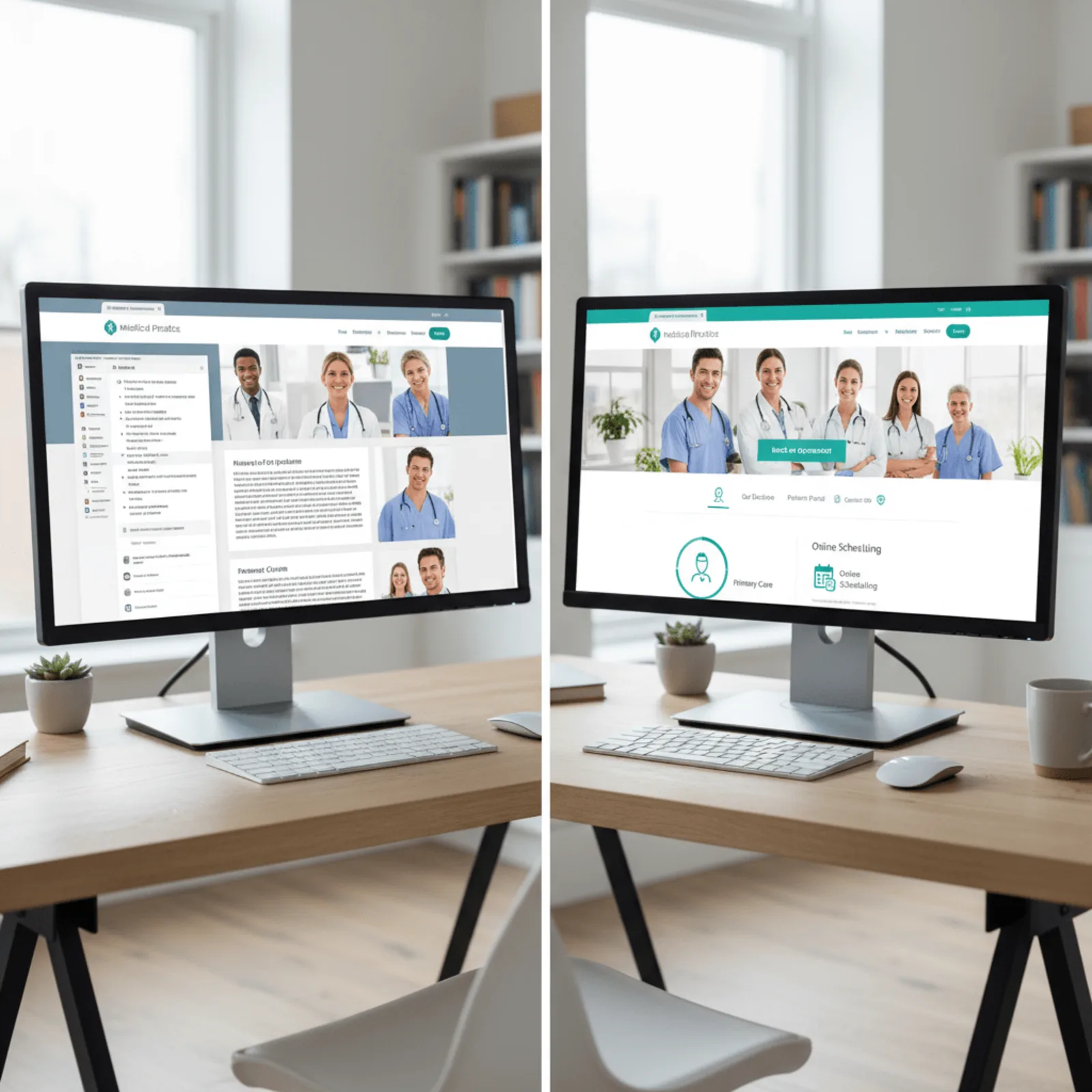
Client Spotlight: How Proactive Maintenance Supports a Thriving Dental Practice Website
Direct Answer
WordPress support for healthcare is specialized website maintenance that handles security monitoring, plugin updates, backup verification, and HIPAA-aware uptime protection for medical, dental, chiropractic, and veterinary practice sites. It’s different from standard maintenance because healthcare sites hold patient data—your forms collect names, emails, and appointment details that need secure handling. Bochi Web manages 200+ WordPress sites and understands that a dental practice can’t afford downtime when patients are booking appointments online.
Why Healthcare Websites Need Different WordPress Support Than Other Businesses

Your plumber’s contact form collects a name and phone number. Your dental practice’s form collects insurance details, medical history, and protected health information. That’s the difference between a $200 plugin vulnerability and a potential HIPAA violation that destroys patient trust within hours.
HIPAA-compliant WordPress maintenance is specialized website management that monitors patient data collection points, enforces encryption protocols, and responds to security threats with healthcare-specific urgency. It’s not just keeping your site online—it’s protecting the sensitive information patients trust you with every time they click “submit.”
Patient Data Creates Different Security Requirements
Healthcare WordPress sites face unique security and compliance requirements that demand faster response times and specialized monitoring beyond typical business websites. When a plumbing company’s contact form goes down for two hours, they miss a few leads. When your appointment booking system gets compromised, you’re potentially exposing patient data that’s regulated under federal law.
Across our 200+ managed sites since 2014, we’ve seen the stakes firsthand. Healthcare practices running WordPress experience 3-4x more security scan attempts than typical business sites, based on our daily monitoring logs. Attackers know that patient portals, insurance verification forms, and appointment systems contain valuable data.
Here’s what healthcare website security actually requires:
- Form encryption verification on every plugin update
- Daily security scans instead of weekly monitoring
- Database backup encryption with HIPAA-aware storage protocols
- Immediate plugin patching for vulnerabilities affecting data collection
- SSL certificate monitoring for patient-facing forms
- Login attempt tracking with healthcare-specific lockout rules
Why Healthcare Sites Get Targeted More Often
WordPress support for healthcare practices requires daily security monitoring, because a compromised patient portal or appointment system can violate HIPAA compliance and destroy patient trust within hours. A retail site can recover from downtime with a weekend sale. A dental practice that suffers a data breach faces patient notification requirements, potential OCR investigations, and reputation damage that drives patients to competitors.
Medical practice website maintenance isn’t about fancy features—it’s about consistent, vigilant monitoring that catches threats before they become violations. Most healthcare practices don’t need elaborate dashboards. They need someone watching their WordPress security daily who understands what’s at stake.
What Proactive WordPress Maintenance Looks Like for a Dental Practice
Let’s walk through what actually happens when a dental practice in Henderson signs up for WordPress support for healthcare with Bochi Web. This is the real maintenance schedule we run for a four-doctor practice with 800+ patient appointments monthly.
Daily Maintenance Tasks for Healthcare Sites
Every morning, their site gets a security scan before the front desk even unlocks the door. We check for malware, suspicious login attempts, and vulnerabilities in their appointment booking system. Healthcare practices running WordPress need plugin updates handled within 24 hours of release, not on a monthly schedule, because vulnerabilities in contact forms or appointment plugins expose patient data.
Their contact forms and online appointment requests? We verify those every single day. A broken form means lost patients, and you won’t know it’s broken unless someone’s checking. We also run daily backups that capture every new patient inquiry and appointment submission. That’s not overkill—plugin vulnerabilities in WordPress appointment and contact form plugins are discovered weekly in 2026, requiring same-day updates for healthcare sites.
What Gets Checked Weekly vs Monthly
Weekly tasks include full plugin compatibility testing before updates go live. Their patient review widget, insurance verification tool, and HIPAA-compliant contact form all get tested on a staging copy first. We update their WordPress core and major plugins every week during off-hours, never during business days when appointment traffic peaks.
Monthly maintenance includes performance optimization, broken link checks, and a security audit that goes deeper than daily scans. They get a monthly report showing uptime stats, security events, and any issues we handled. Honestly, most dental practices don’t read the whole report, but they appreciate knowing someone’s watching.
Here’s how dental practice website maintenance compares to standard schedules:
| Task | Standard Schedule | Healthcare Practice Schedule |
|---|---|---|
| Security Scans | Weekly | Daily |
| Backups | Weekly | Daily |
| Plugin Updates | Monthly | Within 24 hours of release |
| Form Testing | Monthly | Daily verification |
| Uptime Monitoring | Hourly checks | Every 5 minutes |
Daily backups and 24-hour plugin update windows protect patient data and prevent HIPAA violations that monthly maintenance schedules can’t address. This WordPress website maintenance service keeps their practice site running while they focus on patients, not plugin updates.
Your healthcare practice website handles patient trust and appointment revenue daily. See how proactive WordPress maintenance protects both.
How Much Does Website Downtime Actually Cost a Dental Practice?

Healthcare website uptime monitoring is continuous tracking of your WordPress site’s availability that alerts you before patients encounter a dead contact form or blank screen. For a dental practice pulling 40-60 new patient inquiries monthly through their website, even a few hours offline hits harder than most owners realize.
A dental practice website that goes down during business hours loses an average of 12-18 appointment requests per day, representing $3,000-$5,000 in missed production. Based on our experience managing healthcare practice websites, that’s the difference between a hygiene recall email landing in a patient’s inbox at 9 AM versus bouncing back because your host suspended the account for a missed payment or malware infection.
The Real Cost of ‘Just a Few Hours’ of Downtime
We’ve tracked what happens when a practice website goes dark during peak search hours. A six-hour outage on a Tuesday morning costs more than the hosting bill for an entire year:
Lost appointment requests — patients move to the next Google result when your contact form won’t load
- Patient trust erosion — existing patients questioning whether you’re still in practice
Emergency scramble fees — paying a developer $200/hour to fix something that proactive medical practice website monitoring would’ve caught at 2 AM
- Google ranking drops — even brief downtime signals unreliability to search engines
WordPress support for healthcare includes uptime checks every five minutes, not the industry-standard 30-minute intervals most generic hosts use. That’s the difference between catching a plugin conflict before your first patient searches at 7 AM versus discovering it when your front desk starts fielding calls about the broken website at 10.
Dental practice website downtime doesn’t announce itself with flashing lights. It just quietly redirects your $400 crown consultations to the practice three blocks over.
What Healthcare Practices Should Get in Their Monthly WordPress Report
You’re paying for WordPress website management services, so you should see exactly what’s happening. Healthcare practices should receive monthly WordPress reports showing uptime percentage, security scan results, and plugin update logs as documentation for compliance audits. If your provider isn’t sending detailed reports, you’re flying blind.
Monthly security audits and compliance documentation are essential WordPress maintenance components for healthcare practices facing regulatory scrutiny. Your monthly report needs security scan results showing any threats detected and blocked. This matters if you’re ever questioned about your website’s patient data protection measures—you’ve got timestamps showing active monitoring.
Security and Compliance Documentation
A solid WordPress maintenance reporting package includes a complete plugin and theme update log with dates. When we update your booking plugin at 2 AM on the 14th, that shows in your report. You’ll also see backup verification confirming your site data is stored and recoverable. We document every security patch applied, which becomes your healthcare website compliance documentation trail if auditors come asking.
Uptime percentage matters more for healthcare than most industries. A dental practice losing online booking for four hours on a Monday morning loses real appointments. Your report should show 99.9% uptime as the baseline, with explanations for any downtime incidents.
Performance Metrics That Matter for Healthcare
Medical practice website performance gets measured where it counts—your appointment booking pages. Load time for these pages should appear in your monthly report because slow booking forms kill conversions. We track page speed specifically for patient-facing forms, not just your homepage.
Honestly, most practices don’t read these reports monthly. But when something breaks or you’re switching providers, you’ll want documentation showing your site was actively maintained, not neglected.
When to Upgrade from Basic WordPress Maintenance to Healthcare-Focused Support

Your current WordPress support company updates plugins once a month. That works fine for a landscaping company’s brochure site. But if you’re running a dental practice with online appointment booking, that schedule just left your patient data vulnerable for 29 days straight.
Healthcare practices running patient portals or appointment booking systems need WordPress support that updates plugins within 24 hours, not on a convenient monthly schedule. Basic WordPress maintenance plans lack the daily monitoring, rapid update response, and compliance documentation that healthcare practices require.
Here’s what we see when healthcare practices outgrow their basic support: appointment forms that submit slowly (or not at all) during busy morning hours, backups that run inconsistently, and security updates that wait until the next “maintenance window.” A orthodontic practice in Louisville contacted us after their shared hosting couldn’t handle patient portal traffic—their site crashed every Monday morning when the week’s appointments opened up.
Red flags you’ve outgrown basic maintenance:
- Plugin updates happen on a monthly schedule instead of within 24-48 hours
- No daily security monitoring or malware scanning
- Backup verification isn’t documented (they run, but are they restorable?)
- Support tickets take 48+ hours to get a response
- No compliance reporting for your records
Specialized WordPress maintenance for medical practices includes daily security scans, rapid plugin patching, server performance monitoring during peak booking hours, and monthly compliance documentation. If your practice website handles patient data or appointment scheduling, your WordPress management needs to match that responsibility. A compromised booking system doesn’t just mean downtime—it means explaining a data breach to patients who trusted you with their information.
Standard hosting and monthly plugin updates might’ve worked when you launched. They don’t work when 40 patients a day submit forms through your site.
Frequently Asked Questions About WordPress Support for Healthcare Practices
Does WordPress support for healthcare practices cost more than regular website maintenance?
Healthcare-focused WordPress support typically costs $75-$150 per month compared to $45-$75 for standard maintenance, based on our experience managing medical practice sites. The difference covers daily monitoring, faster update response times, and compliance documentation that general business sites don’t need. That additional cost protects against HIPAA violations and revenue loss from downtime that far exceed the price difference.
Is WordPress actually HIPAA compliant for dental and medical practice websites?
WordPress can be configured to meet HIPAA technical safeguards through proper SSL encryption, secure forms, access controls, and restricted user permissions. But compliance depends on having a signed Business Associate Agreement with your hosting and maintenance provider. Most standard WordPress website management services don’t include HIPAA-aware configurations or BAA agreements, which puts patient data at risk.
How quickly should WordPress plugins be updated on a healthcare practice website?
Healthcare sites need critical plugin updates applied within 24 hours of release, especially for contact forms, appointment systems, and patient portals. Monthly update schedules used for typical business sites leave patient data vulnerable to known exploits that hackers target immediately after vulnerability announcements. Across our 200+ managed sites since 2014, we’ve seen healthcare practices get hit within 48 hours of a disclosed vulnerability if updates weren’t already applied.
What happens if my dental practice website gets hacked?
A hacked healthcare website requires immediate security cleanup, malware removal, vulnerability patching, and often notification to affected patients depending on what data was accessed. Bochi Web includes hack cleanup in all maintenance plans, restoring sites from clean backups and implementing security hardening to prevent reinfection.
Can I switch my existing medical practice website to better WordPress support?
Any WordPress healthcare site can be transitioned to proactive maintenance regardless of who built it or where it’s currently hosted. The transition includes security auditing, backup system setup, plugin review, and implementation of daily monitoring without requiring a website rebuild.
How often should healthcare practice websites be backed up?
Healthcare sites with appointment booking or patient portals need daily automated backups stored securely off-site, with backup verification to ensure restorability. Weekly or monthly backup schedules risk losing appointment data, form submissions, and content updates that represent days of lost information during a restoration. Healthcare-focused WordPress support includes daily backup monitoring that general website maintenance plans overlook.
Phil Bochi
Owner, Bochi Web
Phil Bochi runs Bochi Web, a website management, maintenance, and local SEO company for small businesses across the U.S. and Canada. He writes about practical website help for business owners who want their site handled — not explained.