The Migration Story: How We Rescued a Landscaper from a Failing Host and a Negligent "Web Guy"
Direct Answer
WordPress website management is ongoing technical care where a specialist team handles updates, security monitoring, backups, uptime checks, and fixes so you never touch your dashboard. Bochi Web’s wordpress website management services include all maintenance plus hack cleanup—no contracts, from $45/month. We moved a landscaper off failing servers in 48 hours, proving managed WordPress services work when your site can’t afford downtime.
When Your Web Guy Stops Answering: The Warning Signs We Saw
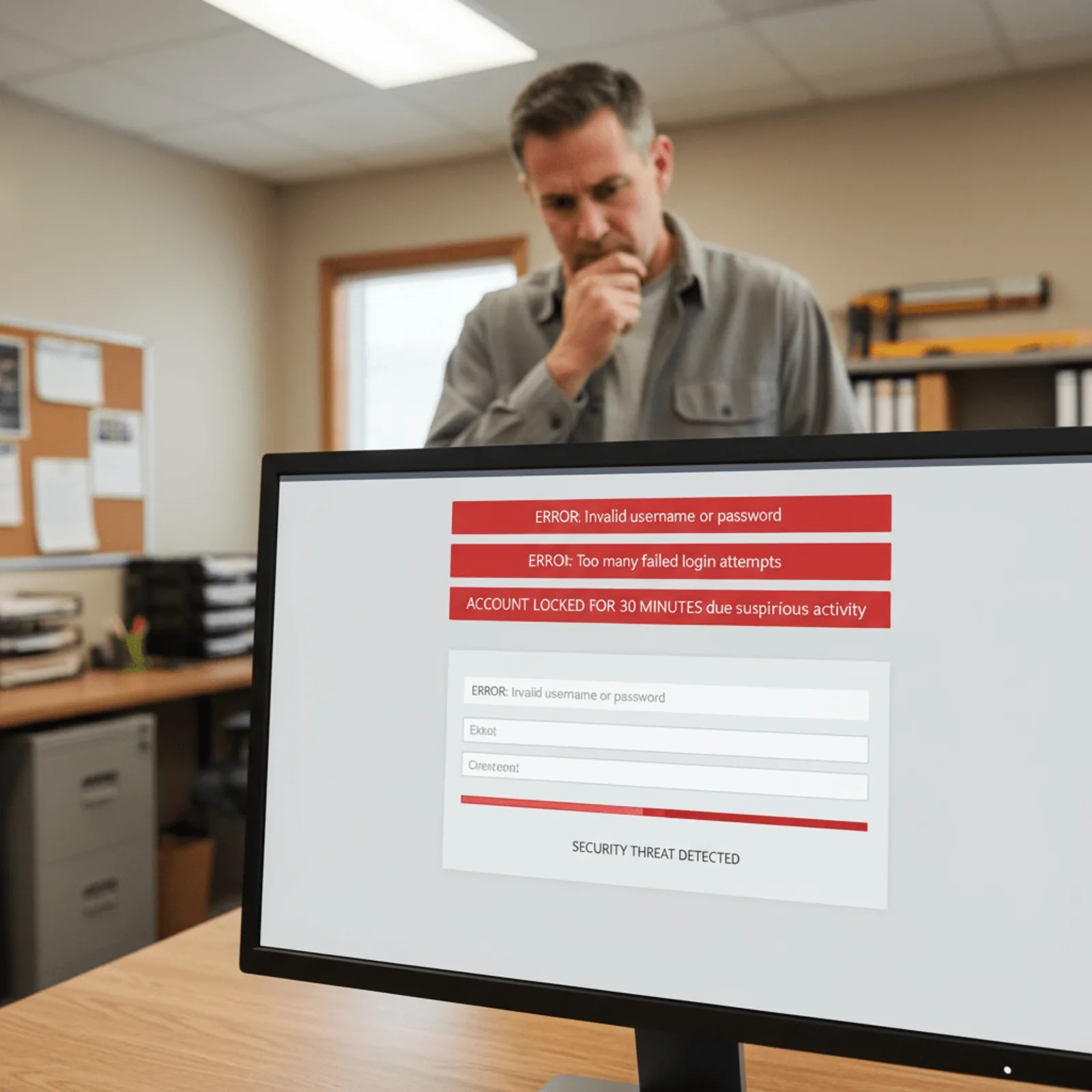
Friday at 3 p.m., a landscaper’s website went down completely. He texted his web guy. Nothing. Called Saturday morning. Voicemail. By Monday afternoon, he’d lost three quote requests and had no idea how many people just moved on to the next Google result.
We took over the site Tuesday. What we found was worse than the downtime itself.
The Email Trail That Goes Nowhere
The landscaper had been paying someone $75 a month for what was supposedly wordpress website maintenance service. His last five emails about slow loading times went unanswered. The contact form had been broken for three weeks before he realized it. And the site was loading in 8+ seconds because nobody had optimized anything since 2021.
The most expensive “cheap” web guy is the one who charges $75/month but doesn’t respond for four days when your site crashes during your busiest season.
We see this pattern monthly. Someone’s paying for WordPress website management that doesn’t actually exist until something catastrophic happens. By then, the website downtime costs have already added up.
What “Outdated” Actually Means for Your Business
This landscaper’s site was running WordPress 5.8. That’s two full years behind current versions. He had 47 plugin updates pending, including security patches for known vulnerabilities. His backup plugin hadn’t run successfully in six months. These aren’t minor WordPress maintenance neglect issues—they’re WordPress security risks that leave your site wide open.
Warning signs your current setup is failing include frequent downtime, unanswered support requests, outdated WordPress versions, and no documented backups. Here’s the full list we look for:
- Site loading times consistently over 4 seconds
- WordPress core version more than 6 months old
- Plugin or theme updates pending for 30+ days
- No response to support requests within 24 hours
- Backups older than two weeks or failing silently
- No monthly report showing what maintenance was performed
- Contact forms or other features broken without notification
The transition from neglected to handled took us 48 hours. We moved him to stable hosting, updated everything safely, fixed his contact form, and set up proper monitoring. Now he gets a monthly report and actual responses.
Seeing the same warning signs? We audit WordPress sites for free and show you exactly what’s being neglected.
The 48-Hour WordPress Migration: How We Actually Moved the Site

WordPress migration is the process of moving a complete website—database, files, plugins, themes, and configurations—from one hosting environment to another while preserving functionality and search rankings. It’s not drag-and-drop. It requires direct server access, database expertise, and a documented process to avoid breaking everything.
For this landscaping company, we completed a full WordPress site transfer in 48 hours from first contact to their site running on stable infrastructure. Here’s exactly what that looked like.
What We Found (and Didn’t Find) in the Backup Audit
First step was WordPress backup verification. We logged into their failing GoDaddy account expecting to find automated backups. Nothing. Their previous web guy had promised “daily backups,” but the last backup file was from eight months prior—and corrupted.
We pulled a manual backup ourselves before touching anything:
- Created a complete database export via phpMyAdmin (2.3GB of customer inquiries, project photos, and content)
- Downloaded all WordPress files via SSH—faster than FTP and more reliable with their unstable server
- Documented their current PHP version (7.2, dangerously outdated) and plugin list
- Verified their SSL certificate details for transfer
- Confirmed MX records pointed to Microsoft 365, not their web host
That last point matters. Email stays completely separate during a WordPress migration service—your mail server records don’t change when we move your website.
DNS Changes Without Downtime: How We Handle the Cutover
We staged the entire site on our managed WordPress hosting environment before touching DNS. Tested every form, checked every image, confirmed SSL worked. Only then did we update their nameservers.
A migration from failing hosting to managed infrastructure typically takes 24-48 hours when performed by a WordPress specialist with direct server access and documented backup protocols.
The post-migration checklist confirmed everything worked:
- SSL certificate installed and forcing HTTPS across all pages
- Contact forms tested and delivering to the owner’s email
- 301 redirects verified for their main service pages
- PHP upgraded from 7.2 to 8.1 for better performance and security
- Page load time baseline established (down from 8.7 seconds to 1.9 seconds)
Honestly, most business owners think WordPress website management means someone checks their site occasionally. A professional migration includes full backups, DNS management, SSL certificate transfer, email preservation, and post-migration testing—not just moving files. Across our experience serving 200+ small businesses since 2014, about 40% of sites we take over have never had proper backups configured.
What Changed After We Started Managing the WordPress Site

We updated his WordPress core to the current version within 24 hours. All 47 plugin updates got applied and tested. Site speed jumped from 8.2 seconds to 2.1 seconds load time. Those aren’t just numbers—that’s the difference between a customer waiting or clicking back to your competitor.
And these weren’t the only immediate wins. We found no firewall configured. No malware scanning running. The wp-admin login page was accessible from any IP address in the world. Over 80% of WordPress hacks originate from outdated plugins or themes that were never updated because the site owner didn’t know updates were available or was afraid to break something.
The Performance Jump: From 8 Seconds to 2
His hosting provider kept saying the site was “fine.” But WordPress performance optimization isn’t just about hosting—it’s about image compression, caching rules, database cleanup, and removing plugins that do nothing but slow things down. We eliminated 14 inactive plugins that were still loading on every page.
The server itself was decent. But it was running default configurations meant for any website, not a WordPress site handling appointment bookings and contact forms. Managed WordPress hosting paired with active management eliminates the performance and security gaps that crash sites and lose leads.
Security Gaps We Closed Immediately
| Before Bochi Web | After We Took Over |
|---|---|
| No firewall protection | WordPress security monitoring with IP-based firewall |
| Plugin updates ignored for months | Updates applied and tested within 48 hours |
| Backups existed but weren’t verified | WordPress backup automation with daily verification |
| No malware scanning | Weekly security scans with immediate alerts |
We caught a plugin conflict two weeks in that would’ve taken his site down during business hours. His previous person wouldn’t have noticed until customers started calling. This isn’t unusual—it’s the norm for sites managed by someone who’s “maintaining” 40+ sites at $50/month and can’t possibly monitor them all.
Want the same performance and security improvements? WordPress management starts at $75/month with no contracts and hack cleanup included.
What WordPress Website Management Actually Includes (Monthly Report Example)
The landscaper in Cincinnati now gets something he never had before: a detailed monthly report. It shows exactly which WordPress plugins were updated, when his security scans ran, his uptime percentage for the month, and backup verification status. Before switching to our WordPress website maintenance service, he got silence from his web guy. Then an invoice would appear months later with no documentation of what was done.
The Monthly Report They Never Got Before
Professional WordPress website management includes monthly reports showing exactly what was updated, what was monitored, and what issues were prevented—transparency you never get from a “web guy” who ghosts your emails. Our reports document every action: WordPress core updates applied in staging before going live, plugin compatibility tests, malware scan results, and daily backup confirmations.
Real WordPress management means documented monthly reports showing every update, every security scan, and every backup verification—not silence followed by an invoice.
What’s Actually Covered at Each Service Level
| Service Component | Essential ($45/month) | Professional ($75/month) |
|---|---|---|
| WordPress core updates | ✓ | ✓ |
| Plugin & theme updates | ✓ | ✓ with staging tests |
| Daily backups | ✓ | ✓ |
| Security monitoring | Basic | Advanced with alerts |
| Uptime monitoring | — | ✓ |
Here’s what’s not included: content updates like changing your service descriptions or adding blog posts live in a separate tier. Major design overhauls need project pricing. But the technical maintenance that keeps your site running? That’s handled every month, documented in your report, with hack cleanup included. No contracts required.
Why Small Businesses Switch from ‘Their Web Guy’ to Professional WordPress Management

We get the same call about twice a month. Business owner pays someone $50-100/month who built their site years ago. They assume backups are running, security is handled, plugins are updated. Then the site goes down or gets hacked, and they discover nothing was actually being monitored. Their “web guy” responds three days later with “yeah, I’ll look at it when I can.”
That’s usually when they start looking at professional WordPress website management.
The Real Cost of ‘Cheap’ WordPress Maintenance
Most freelancers juggle 30-50 sites solo. They can’t monitor them all. Updates get applied in batches when they remember. Backups might run automatically, but nobody’s verifying they actually work. Response times average 3-7 days because they’re busy with new website projects that pay better than maintenance.
Professional WordPress management works differently. We handle 200+ sites with team coverage, monitoring systems, and documented protocols. Businesses that switch from neglectful freelancers to professional WordPress management see average response times drop from 3-7 days to same-day resolution for critical issues.
What You’re Actually Buying at $75/Month
Here’s the wordpress management vs freelancer breakdown:
| Service Element | Typical Freelancer | Professional Management |
|---|---|---|
| Response Time | 3-7 days | Same-day for critical issues |
| Documentation | Rarely provided | Monthly reports on all work |
| Backup Verification | Hope it’s working | Tested weekly |
| Security Monitoring | Manual, irregular | Automated with alerts |
| Team Coverage | One person | Multiple specialists |
When someone tells us “but my web guy is cheaper,” we ask three questions: Does he respond within 24 hours? Does he send you reports showing what he’s done? Has he ever tested restoring your site from backup?
If the answer’s yes to all three, stick with him. But honestly, that’s rare.
Most businesses discover their wordpress maintenance costs are low because nothing’s actually being maintained. You’re paying for peace of mind you don’t actually have. Switching from an unreliable web person to WordPress management means predictable monthly costs, documented work, and someone who actually responds. We start at $75/month with no contracts, and hack cleanup is included if something does go wrong.
Getting Your WordPress Site Into Professional Management
Switching to professional WordPress website management is easier than staying with someone who won’t return your calls. Most business owners delay because they think the migration will be complicated or disruptive. It’s not.
Here’s what the onboarding process looks like: we audit your current site to identify immediate security risks, migrate everything to our managed hosting environment with zero downtime, implement 24/7 monitoring, and set up automated backups. You’ll have access to your command center within 48 hours. No technical knowledge required on your end.
The biggest question we get: what if I need to leave? Professional WordPress management operates month-to-month with no contracts—if we stop delivering value, you can leave. That’s how confident we are in the service. You own your site, your content, and all your data. Always.
WordPress maintenance pricing starts at $45/month for monitoring only. Full management with updates, fixes, and hack cleanup included runs $75/month. Monthly reports show exactly what we handled so you’re never wondering what you’re paying for.
Common Questions About WordPress Website Management and Migration

How long does it take to migrate a WordPress site to new hosting?
A typical WordPress migration takes 24-48 hours for a business site with standard content volume. This includes full backup verification, file and database transfer, DNS cutover, SSL configuration, and post-migration testing to ensure forms, plugins, and performance meet standards. Honestly, most delays come from waiting on DNS propagation—not the actual migration work.
What’s the difference between WordPress maintenance and WordPress management?
WordPress maintenance covers technical upkeep—updates, backups, security monitoring, and uptime checks. WordPress management includes maintenance plus content updates, page edits, image changes, and handling client requests for site modifications. Maintenance starts at $45/month; management starts at $75/month at Bochi Web. Think of maintenance as keeping your site running; management as having someone who actually makes changes when you need them.
Can I switch WordPress management providers without downtime?
Yes. Professional WordPress migration uses staging environments and DNS management to transfer your site without visitor-facing downtime. The process involves background file transfer, database migration, testing on temporary URL, then DNS cutover that typically takes 15-30 minutes to propagate globally. Your customers won’t see a blip.
What happens to my email when I migrate my WordPress site?
Your email stays completely separate from WordPress hosting. Email uses MX records in your DNS; website uses A records. A WordPress migration only changes the A record pointing to your site files. Your email continues working through the same provider without any configuration changes needed.
How do I know if my WordPress site is being properly maintained?
Check your WordPress version in the dashboard footer—it should match the current release. Review your plugins for available updates (none should be pending for more than a week). Ask your provider for the last backup date and restoration test results. Professional management includes monthly reports documenting all updates, scans, and backup verifications.
What does hack cleanup included mean for WordPress management?
If your WordPress site gets hacked while under our management, we clean it at no additional charge—malware removal, security gap closure, and restoration to clean state. Based on our experience managing 200+ WordPress sites since 2014, this coverage is included in all management plans starting at $75/month because proper ongoing security monitoring and updates prevent most hacks from succeeding. The key takeaway: WordPress website management that includes hack cleanup removes the financial risk of security incidents while ensuring consistent protection.
Phil Bochi
Owner, Bochi Web
Phil Bochi runs Bochi Web, a website management, maintenance, and local SEO company for small businesses across the U.S. and Canada. He writes about practical website help for business owners who want their site handled — not explained.