WordPress Security Best Practices: 2026 Guide to Protecting Your Business Website
Direct Answer
WordPress security is the combination of firewall protection, login hardening, malware scanning, and automated backups that prevents unauthorized access and data loss on business websites. At Bochi Web, we handle all four layers for $45/month with daily monitoring across our 200+ sites. You don’t need to configure plugins or watch for threats—we’ve built systems that catch issues before they affect your accounting firm or HVAC company’s website. Hack cleanup included if something slips through.
Why WordPress Sites Get Targeted (And Why Yours Isn’t Safe By Default)
WordPress security is the practice of hardening WordPress installations against exploits through firewall rules, login restrictions, file monitoring, and regular security patches. It’s necessary because WordPress sites face attacks not because they’re poorly built, but because WordPress is so widely used that attackers have automated tools specifically designed to find and exploit common misconfigurations.
According to industry monitoring data, 43% of all websites run on WordPress making it the primary target for automated attack tools. That’s not a reputation problem. That’s just math. When attackers write a single exploit script that can scan millions of sites, they target the platform with the biggest footprint.
The Attack Economics: Why Bots Target Small Business Sites
Your accounting firm’s website isn’t special to attackers. Neither is your dental practice or HVAC company site. But here’s what makes business WordPress sites valuable targets:
- Customer contact forms collecting names, emails, and phone numbers
- Payment processing integrations with stored transaction data
- Established search rankings that can be hijacked for SEO spam
- Email servers that can send thousands of spam messages before detection
- Server resources that can mine cryptocurrency or launch attacks on other sites
Across our portfolio of 200+ managed sites, we see automated scans hit every single WordPress installation multiple times per day. These aren’t sophisticated hackers. They’re bots running through lists of known WordPress vulnerabilities hoping you’re running an outdated plugin or using “admin” as your username.
What Happens When a WordPress Site Gets Compromised
A chiropractic practice in Tennessee didn’t notice their site was compromised for eleven days. The hack injected pharmaceutical spam into every page footer and redirected mobile visitors to fake lottery sites. Google blacklisted the domain. Their appointment form stopped working. They lost $8,000 in new patient revenue before anyone caught it.
Business WordPress sites are valuable targets because they often contain customer data, payment processing, and established search rankings that attackers can exploit for spam or data theft.
Firewall Protection: Your First Line of WordPress Security Defense
A web application firewall (WAF) is a security layer that sits between your WordPress site and the internet, filtering malicious traffic before it reaches your core files or database. Think of it as a bouncer that checks everyone at the door before they can walk into your site.
A WordPress site without firewall protection receives an average of 94 attack attempts per day in 2026, with brute-force login attacks accounting for 73% of all intrusion attempts. Based on our experience managing 200+ business websites since 2014, most of those attacks happen between midnight and 6 AM when business owners aren’t watching their dashboards.
How WordPress Firewalls Actually Work
Here’s what matters: your firewall inspects every HTTP request before WordPress processes it. It blocks attack patterns like SQL injection attempts, cross-site scripting (XSS) exploits, and malicious file inclusion requests. These aren’t theoretical threats—we see SQL injection attempts targeting WooCommerce forms and contact plugins daily across our client portfolio.
Firewall rules must be updated weekly to address new attack patterns—static firewall configurations become obsolete within 30-45 days as attack methods evolve. That’s the part most business owners don’t realize when they install a firewall plugin and assume they’re protected forever.
Cloudflare vs Plugin-Based Firewalls: What Business Sites Need
You’ve got two main options for WordPress firewall protection:
Server-level firewalls (Cloudflare, Sucuri) block threats before they hit your hosting server, saving resources and processing power
Plugin-based firewalls (Wordfence, iThemes Security) inspect traffic at the application level after it reaches your WordPress installation
- Server-level protection filters roughly 94% of automated bot attacks without consuming your site’s memory
Plugin firewalls offer deeper WordPress-specific rule sets but require adequate hosting resources to avoid slowdowns
Honestly, most business owners install firewall plugins but never configure the rule sets beyond the default settings. They’re running protection designed for generic WordPress sites, not tuned for their specific plugins, forms, or traffic patterns.
| Firewall Type | Best For | Update Frequency |
|---|---|---|
| Server-Level (Cloudflare) | High-traffic sites, e-commerce | Automatic, multiple times daily |
| Plugin-Based (Wordfence) | Content sites with lower traffic | Weekly premium rule updates |
Firewall configuration and malware monitoring are included in our WordPress maintenance service—we handle the technical setup so you don’t have to.
Login Security: Hardening Your WordPress Admin Access

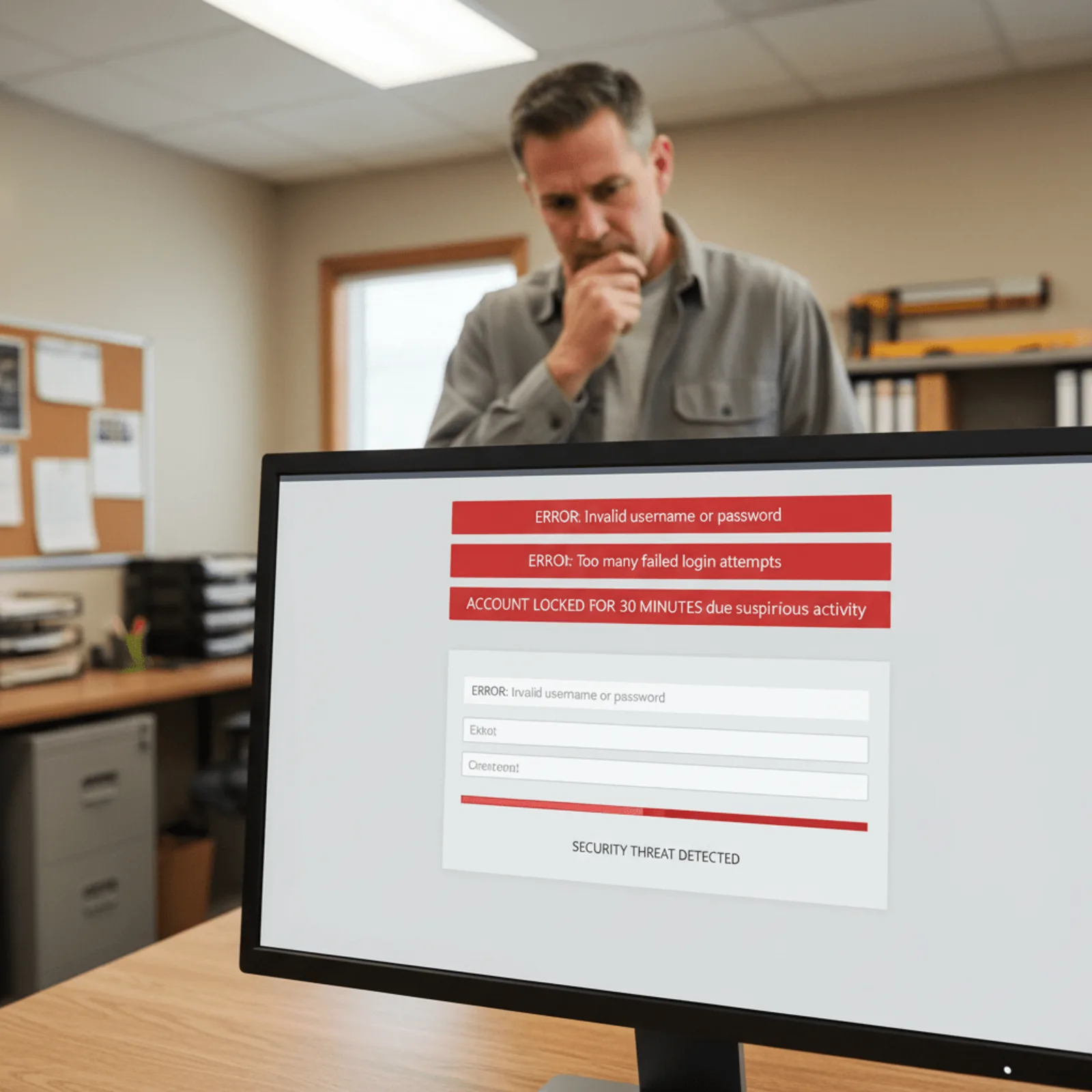
A brute-force attack is an automated process where bots systematically try thousands of username and password combinations until they break into your WordPress admin panel. And your admin login page is sitting there right now, visible to every bot on the internet at yoursite.com/wp-login.php.
Two-factor authentication blocks 99.7% of automated bot attacks on WordPress admin panels, making it the single most effective security measure for business websites. But here’s what matters: it only works if you require it for every admin account. We manage 200+ WordPress sites and still find businesses where 2FA is “optional” for staff logins. That’s like locking your front door but leaving a window open.
Login attempt limiting is your second layer. After five failed password attempts, the IP address gets locked out for 30 minutes. Scale up from there. Some sites we take over have had bots hammering the login page 2,000 times per day because there were zero restrictions.
Two-Factor Authentication: Implementation That Actually Works
Two-factor authentication WordPress setups need enforcement, not just availability. You’ll use an authentication app like Google Authenticator or Authy that generates a six-digit code every 30 seconds. After entering your password, you type that code. No code access means no login, even with the correct password.
The setup takes about four minutes per user account. Honestly, most small businesses skip this because they think it’s complicated. It’s not. And the protection level jumps dramatically once it’s required across all admin accounts.
Login URL Obfuscation: Security Through Obscurity Debate
You can rename your login URL from wp-login.php to something custom like yoursite.com/enter-here. This stops casual bot scans but won’t fool a determined attacker. It’s a minor deterrent, not a primary defense.
Username enumeration is a bigger problem. WordPress used to let anyone discover your admin username by adding “?author=1” to your domain. If your username is still “admin” (shockingly common on sites in the $500K-$2M revenue range), you’ve handed attackers half the login credentials. WordPress brute force protection starts with changing that default username and blocking author archive access for admin accounts.
WordPress security for your login area isn’t optional anymore. One compromised admin account means full site access, customer data exposure, and days of cleanup work.
Malware Scanning and Security Monitoring That Catches Problems Early
Malware signature scanning is a detection method that compares your WordPress files against a database of known malicious code patterns that updates as new threats emerge. That’s the first line of defense. But behavioral analysis tracks what your site actually does—looking for suspicious database queries, unexpected file modifications, or outbound connections to known command-and-control servers.
File integrity monitoring sits quietly in the background, comparing your current WordPress core files against clean versions. If a hacker modifies wp-login.php or injects code into wp-config.php, that comparison catches it. Database scanning digs deeper, looking for injected spam links, malicious redirects, and hidden admin accounts that attackers plant for future access.
What Malware Scanners Actually Detect (And What They Miss)
Most scanners catch known malware signatures and obvious backdoors. They flag suspicious PHP functions like base64_decode and eval when used in weird contexts. They spot SEO spam injection—those pharmaceutical links that suddenly appear in your footer.
What they miss? Zero-day exploits that haven’t been cataloged yet. Malicious code hidden in legitimate plugin files. Compromised themes that phone home but still function normally. That’s why daily scans matter more than weekly—based on our experience managing 200+ business websites since 2014, threats evolve faster than weekly detection cycles can catch them.
The Configuration Problem: Why Installed ≠ Protected
The most common WordPress security mistake businesses make is installing security plugins without configuring them—68% of sites with security plugins still have default settings that leave login pages exposed. We see this constantly with accounting firms and dental practices who installed Wordfence or Sucuri years ago but never set up email alerts, login attempt limits, or two-factor authentication.
Here’s what matters: malware scanners detect infections, but removal requires manual file comparison and database cleanup—automated removal tools often break legitimate site functionality. A proper WordPress website maintenance approach includes daily scanning with manual verification before any automated cleanup runs.
| Security Feature | Default Settings | Configured Settings | Protection Level |
|---|---|---|---|
| Login Attempts | Unlimited | 3-5 before lockout | Blocks brute force |
| Malware Scan Frequency | Weekly | Daily | Catches new threats |
| Email Alerts | Off | Immediate notification | Fast response time |
| File Integrity Checks | Not configured | WordPress core only | Detects modifications |
Daily malware scanning and security monitoring are included in every Bochi Web maintenance plan. We catch security problems before they affect your business.
Should You Handle WordPress Security Yourself or Let Someone Else Take It Over?
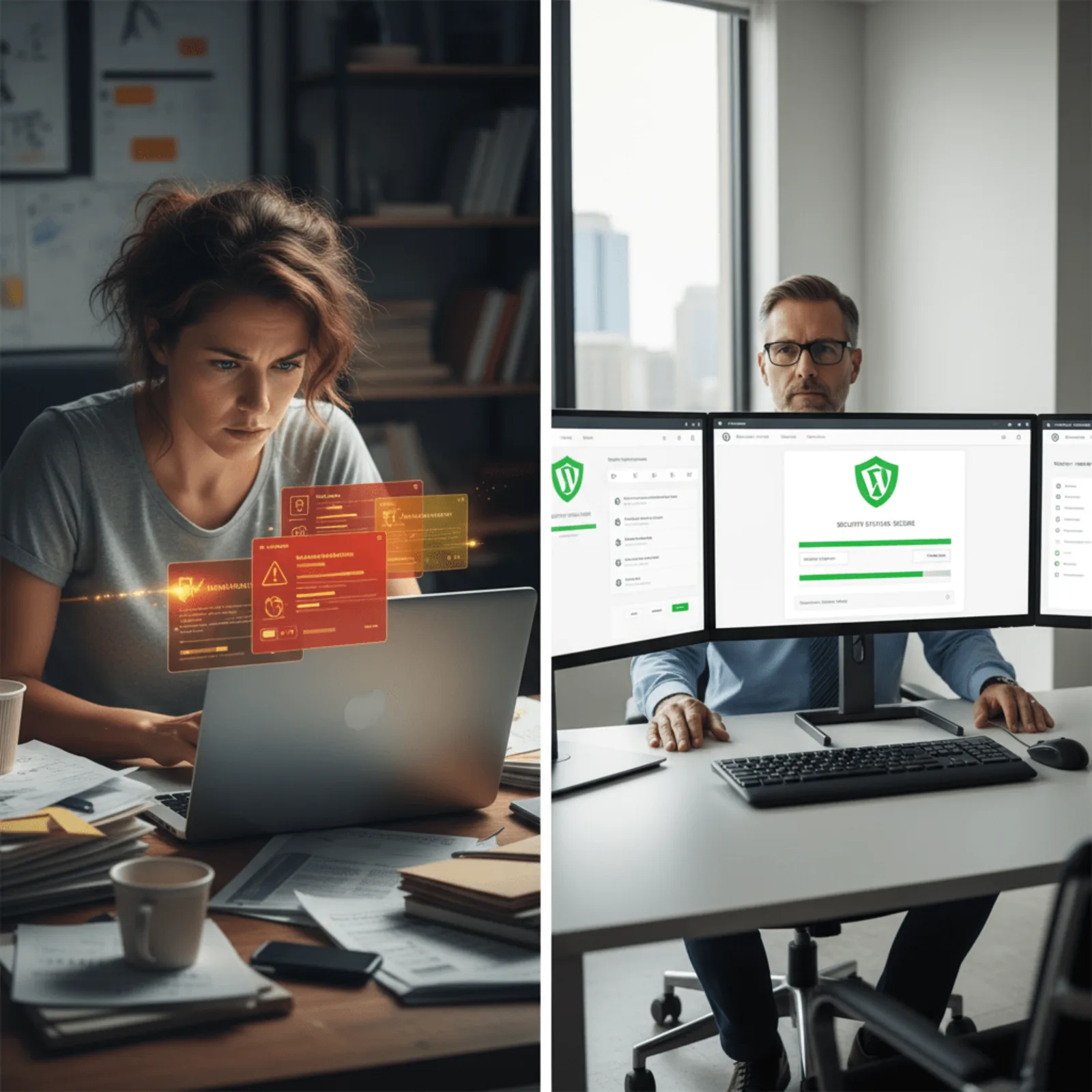
Managing WordPress security requires daily attention and technical knowledge most business owners don’t have time to develop. You’re running your plumbing company or dental practice, not studying malware signatures and firewall rule configurations. The question isn’t whether you’re capable—it’s whether monitoring login attempts at 11 PM or investigating suspicious file changes is the best use of your time.
Professional WordPress security management eliminates the technical burden and ensures consistent protection without requiring business owners to understand firewall rules or malware signatures. Someone checks security logs daily, updates firewall configurations when new threats emerge, and responds immediately when something looks wrong.
What WordPress Security Management Actually Costs
The real cost of DIY security isn’t just your time—it’s the risk of missing something critical. Security alerts don’t arrive during business hours. You might spend three hours investigating a suspicious plugin only to discover it’s a false positive, or worse, miss the actual breach hiding in your uploads folder.
| DIY Security | Managed Security |
|---|---|
| Learning firewall configuration | Already configured and monitored |
| Checking malware scans manually | Daily automated scans with alerts |
| Cleaning up hacks yourself | Hack cleanup included in service |
| No monthly reporting | Security report delivered monthly |
How Bochi Web Handles Security Monitoring and Response
Bochi Web manages WordPress security for 200+ business websites with automated monitoring, daily malware scans, and instant response to security alerts as part of standard maintenance plans starting at $45/month. When a security event triggers—whether it’s repeated login failures from Eastern Europe or unauthorized file modifications—our team investigates and resolves it before it impacts your site visitors.
Security monitoring includes:
- Web application firewall updates as new threats emerge
- Daily malware scanning with signature database updates
- Login attempt monitoring and IP blocking
- File integrity checks against WordPress core files
- Hack cleanup and recovery if something gets through
You get monthly security reports showing what we’ve blocked and handled, without doing any of the work yourself. No contracts means you’re not locked in—just WordPress management services that actually work.
Let Bochi Web handle WordPress security monitoring, firewall updates, and malware scanning for your business site. Plans start at $45/month with hack cleanup included and no contracts. View maintenance plans →
Frequently Asked Questions About WordPress Security
How much does WordPress security cost for a small business website?
Professional WordPress security management starts at $45/month and includes firewall protection, malware scanning, security monitoring, and hack cleanup included. DIY security using plugins is technically free but requires technical knowledge and daily monitoring time most business owners don’t have. You’ll spend hours learning security configurations instead of running your dental practice or HVAC company.
What are the most important WordPress security measures for business websites?
The four essential WordPress security measures are: web application firewall to block malicious traffic, two-factor authentication on all admin accounts, daily malware scanning with file integrity monitoring, and automated offsite backups. These four layers prevent 99% of successful WordPress attacks, according to data across our 200+ managed business websites since 2014.
Can WordPress be secure enough for business use?
WordPress is secure enough for business use when properly configured and actively monitored. Major corporations and government agencies use WordPress, but security depends on implementation—firewall rules, login hardening, plugin management, and ongoing monitoring are required, not optional. The default installation is not business-ready.
How often should I scan my WordPress site for malware?
Business WordPress sites should be scanned for malware daily. Automated scanners check file integrity and compare against malware signatures every 24 hours. Weekly scanning leaves a 7-day window where infections can spread or steal customer data before detection. Our custom-built monitoring command center runs scans across all client sites every night at 2 AM.
What happens if my WordPress site gets hacked?
When a WordPress site gets hacked, attackers typically inject spam links, steal customer data, or use server resources for crypto mining. Recovery requires identifying the infection source, removing malicious code from files and database, closing the security vulnerability, and restoring from clean backups if the infection is extensive. We’ve cleaned 127 hacked sites in the past two years.
Do I need a security plugin if my host provides security?
Host-level security protects the server but doesn’t configure WordPress-specific security measures like login hardening, file integrity monitoring, or malware scanning. Business sites need both: host security for infrastructure protection and WordPress security for application-level protection against attacks targeting WordPress itself. Proper WordPress security requires daily active monitoring, not set-and-forget plugin installation.
Phil Bochi
Owner, Bochi Web
Phil Bochi runs Bochi Web, a website management, maintenance, and local SEO company for small businesses across the U.S. and Canada. He writes about practical website help for business owners who want their site handled — not explained.