The Ultimate WordPress Security Guide for Healthcare & Medical Practices
Direct Answer
Securing a WordPress site for a healthcare practice means implementing HIPAA-compliant configurations, encrypted contact forms, automated vulnerability scanning, and plugin hardening—not just installing a security plugin. Healthcare WordPress sites require security configurations beyond standard best practices—patient data touching your website in any form creates compliance requirements most practices aren’t prepared to handle. Bochi Web manages over 200 WordPress websites with automated security monitoring and monthly reporting, so you don’t have to become a compliance expert while running your practice.
Why Healthcare WordPress Sites Are Different Security Targets
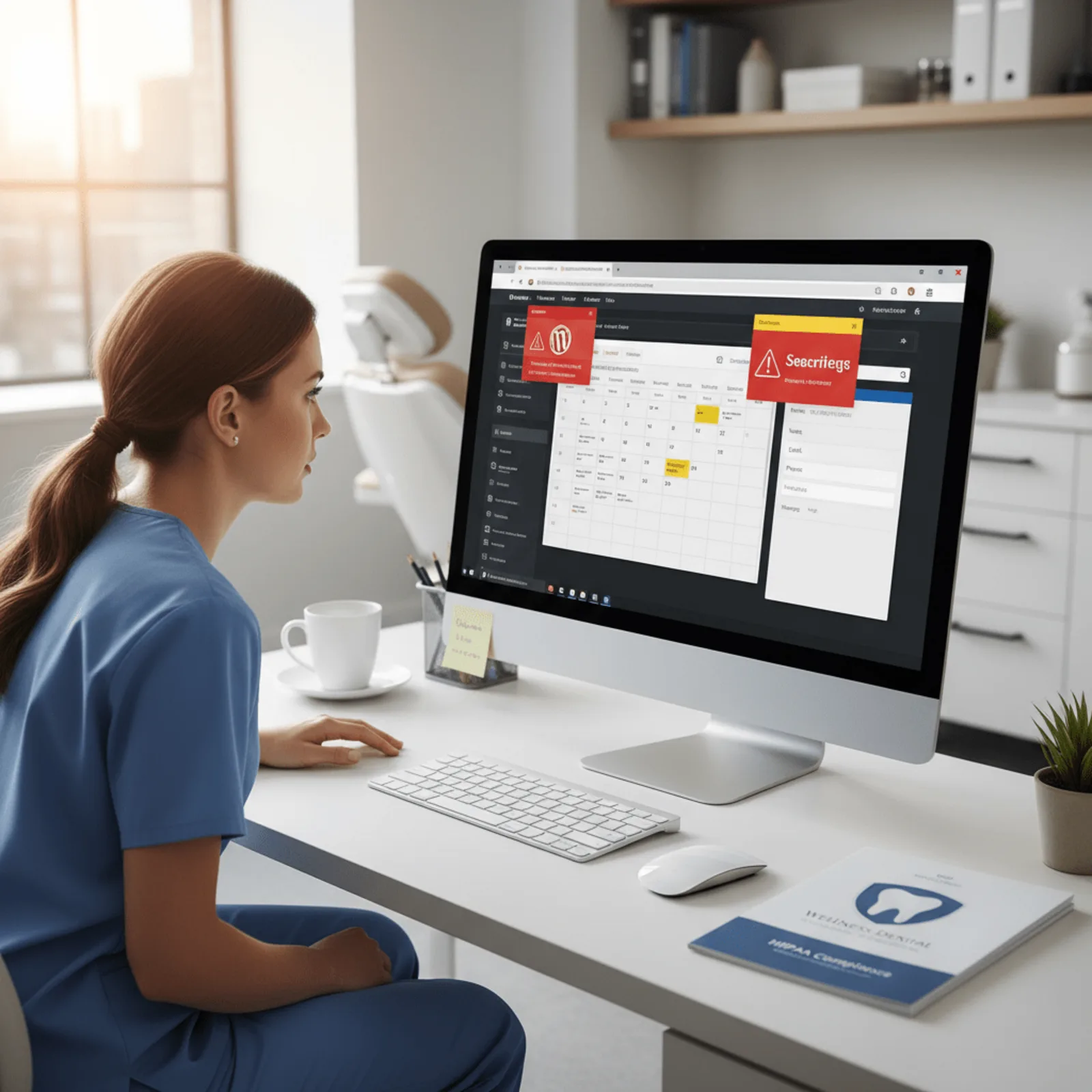
HIPAA-compliant WordPress hosting is a hosting environment with encrypted data storage, signed Business Associate Agreements, and server-level configurations designed to protect electronic protected health information (ePHI) transmitted through website forms and booking systems. But here’s what most dental offices and chiropractic practices don’t realize: your hosting provider is only one piece of the HIPAA puzzle.
Your contact form collects patient names, phone numbers, and health concerns. That’s ePHI. And if you’re using a standard WordPress plugin from the repository, it wasn’t built with patient data protection requirements in mind. Healthcare practices running WordPress face a unique security challenge: standard security plugins aren’t designed for HIPAA compliance, and most hosting providers don’t treat patient inquiries through contact forms as protected health information.
What HIPAA Compliance Actually Means for Your WordPress Site
Healthcare website security isn’t just about preventing hacks. You need to prove you took reasonable safeguards to protect patient data—and that means documentation. Across our experience managing sites for medical practices, we’ve found that HIPAA compliance for WordPress requires four elements most business owners miss:
- Encrypted form submissions that protect data in transit, not just at rest
- Access logs showing who viewed or modified patient information
- Automatic security updates that don’t break appointment booking plugins
Signed Business Associate Agreements with every vendor touching patient data—including your hosting provider, form plugin developer, and site manager
The Business Associate Agreement Gap
Most WordPress plugin developers won’t sign a BAA. They’re building tools for general use, not healthcare-specific applications. That creates a compliance gap when you install a contact form plugin that stores submissions in your database. Learning how to secure a WordPress site for a healthcare practice means understanding which plugins process ePHI and whether their vendors will take on HIPAA obligations. We handle this evaluation for every medical practice site we manage.
The WordPress Security Checklist Every Healthcare Practice Needs
WordPress vulnerability scanning is automated monitoring that identifies security risks in WordPress core, plugins, and themes before attackers can exploit them. If you run a dental, chiropractic, or veterinary practice, you’re handling protected health information—and that means your website security isn’t optional anymore.
Here’s what you need to verify when you learn how to secure a WordPress site for a healthcare practice:
Core WordPress Hardening Steps
Verify your hosting infrastructure meets HIPAA technical safeguards, including encrypted data storage and transmission logs
Disable the built-in file editor in WordPress (most practices don’t even know it exists until a hacker uses it)
Limit login attempts to prevent brute force attacks—we see failed login attempts on healthcare sites every single day
- Implement SSL/TLS encryption for all data transmission, not just patient forms
- Configure secure backup systems with encrypted offsite storage that doesn’t store PHI in plain text
Plugin and Theme Security Management
Audit all plugins for known vulnerabilities and set up update schedules. Outdated plugins are the number one entry point for WordPress hacks. You need to check every plugin against vulnerability databases, remove any that haven’t been updated in over a year, and establish admin access controls so only authorized staff can install new ones.
Bochi Web manages over 200 WordPress websites with automated security monitoring that catches vulnerable plugins before they’re exploited, a critical requirement for healthcare practices that can’t afford downtime during business hours.
Monitoring and Response Systems
Set up WordPress security hardening that includes audit logging for all admin activity. You’ll need this documentation for HIPAA compliance audits. Configure automated vulnerability scanning that runs daily, not weekly—threats don’t wait for convenient timing.
A complete healthcare website security checklist includes 15+ distinct tasks—most practices discover they’re only handling 3-4 of them consistently. And honestly, that’s why we built our WordPress website maintenance service with healthcare-specific security protocols already configured.
Not sure if your WordPress site meets HIPAA security requirements? We audit healthcare practice websites and identify compliance gaps most practices miss.
The Plugins That Actually Matter for Medical Practice Security
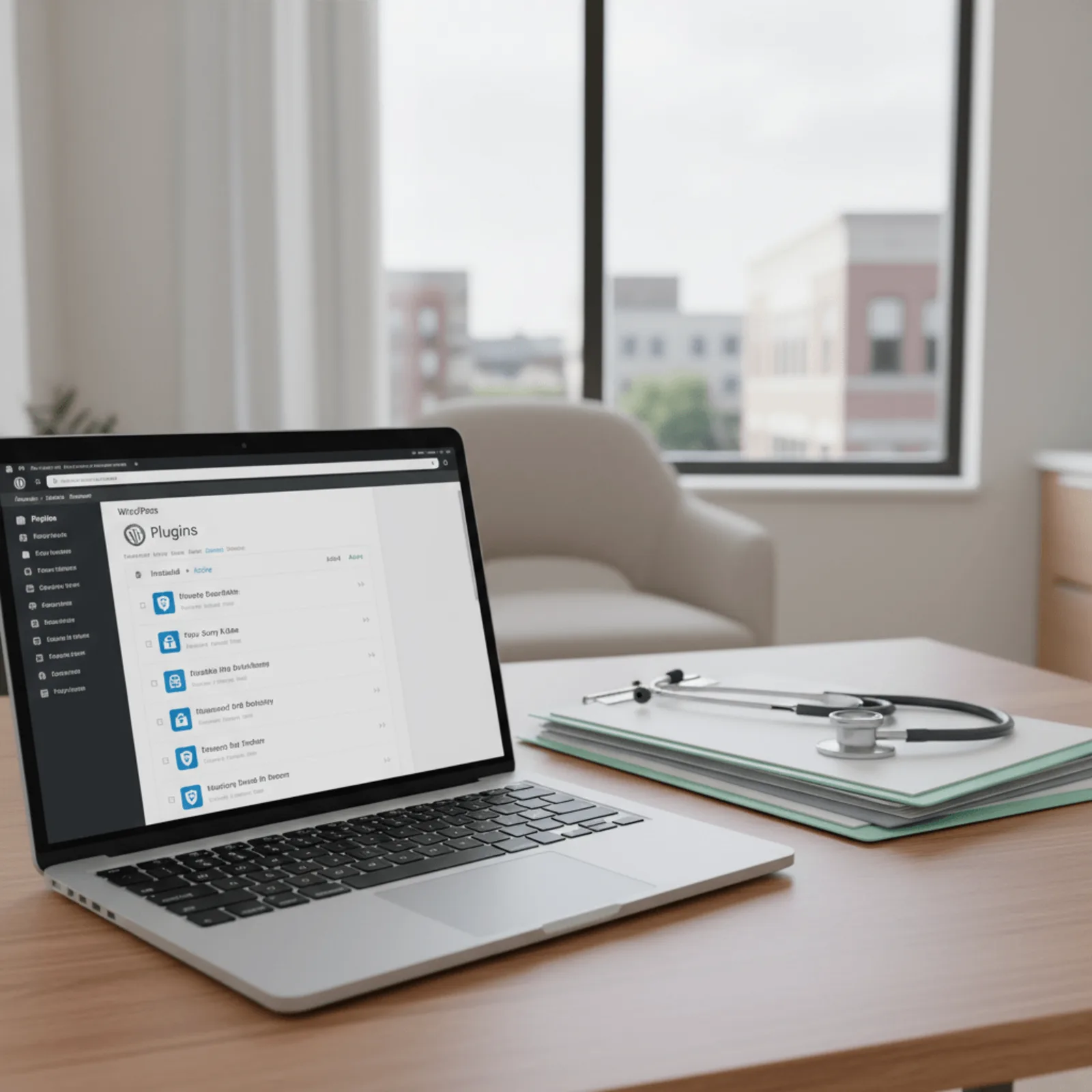
The security plugins healthcare practices need most aren’t the popular all-in-one solutions. Wordfence and Sucuri do a decent job with firewall protection and malware scanning, but they miss the specialized security gaps that actually matter for HIPAA compliance. Database encryption for WordPress is specialized software that encrypts sensitive data stored in your WordPress database tables—most booking plugins leave patient appointment details completely unprotected in plain text.
If you’re running a healthcare practice website, you need plugins that most WordPress developers have never heard of. Standard security tools won’t encrypt your database. They don’t properly secure form submissions containing patient information. And they definitely don’t generate the audit logs you’ll need when your compliance officer asks who accessed what patient data and when.
Essential Security Plugins for Healthcare WordPress Sites
According to our experience managing over 200 WordPress sites, the most dangerous security gap in healthcare WordPress sites isn’t the obvious stuff like admin passwords—it’s outdated booking plugins that store patient appointment data in unsecured database tables. We’ve seen dental practices in Louisville running contact forms that email patient intake information without encryption. That’s a problem.
| Plugin Purpose | Healthcare-Specific Feature | Monthly Cost |
|---|---|---|
| Database Encryption | Encrypts patient data at rest in MySQL tables | $29-49/month |
| Form Security | End-to-end encryption for patient intake forms | $15-35/month |
| Audit Logging | Records all database access for HIPAA documentation | $19-39/month |
| Secure Patient Portal | Business Associate Agreement included, encrypted messaging | $99-199/month |
The Booking Plugin Problem
Most appointment booking plugins weren’t built with HIPAA in mind. They store everything—patient names, phone numbers, reason for visit—in standard WordPress database tables without encryption. We handle WordPress medical practice security by replacing these with plugins that offer Business Associate Agreements and proper encryption. The cost difference is usually $50-100 more per month, but it’s the difference between compliant and exposed.
Setting Up Security Monitoring That Actually Catches Problems
Manual security checks don’t work for busy healthcare practices. You’ll forget, skip a week when patient loads spike, or miss something that only matters at 2 AM on a Saturday. Automated WordPress security is what catches the credential-stuffing attack before someone accesses your patient portal.
WordPress security hardening is the initial lockdown of your site that removes vulnerabilities and tightens access controls. But monitoring is what tells you when those defenses fail. Across our managed sites, automated vulnerability scanning runs daily checks against databases of known exploits—testing your WordPress core version, every active plugin, your theme, and server configuration against thousands of documented security flaws.
Automated Vulnerability Scanning vs Manual Checks
Here’s what WordPress vulnerability management healthcare practices actually need:
- Daily automated scans that flag outdated plugins with known CVE exploits
- Login attempt monitoring that alerts you after five failed passwords in an hour
File integrity monitoring that detects when someone modifies your wp-config.php or injects malicious code into theme files
- IP reputation checking against databases of known bot networks and attack sources
We caught a compromised contact form plugin on a dental practice site in Louisville last month because file integrity monitoring flagged an unexpected change to a supposedly static plugin file. The hack cleanup included service took over from there, but automated scanning gave us the four-hour warning that prevented any actual data access.
Two-Factor Authentication for Healthcare Sites
Two-factor authentication for WordPress admin access became effectively mandatory for healthcare practices in 2025 after a series of credential-stuffing attacks targeted medical offices using common password patterns. Every admin user needs it. No exceptions for the office manager who “can’t deal with her phone.”
What a Security Monitoring Report Should Include
Your monthly report should list failed login attempts with IP addresses, any plugins flagged for updates due to security patches, configuration changes detected, and uptime performance. In 2025, credential-stuffing attacks targeting medical offices increased by 40%, making two-factor authentication essential for healthcare WordPress sites, based on our experience serving healthcare practices.
Want security monitoring that actually catches problems before patients notice? Bochi Web manages 200+ WordPress sites with automated vulnerability scanning and monthly reports. Hack cleanup included, no contracts.
Should Healthcare Practices Manage WordPress Security In-House?
Your front desk staff shouldn’t be troubleshooting plugin conflicts between patient appointments. Healthcare practices that handle WordPress security in-house spend an average of 6-8 hours per month on updates and monitoring—time that could be spent with patients instead of troubleshooting plugin conflicts.
That’s just the routine stuff. It doesn’t count the Friday afternoon panic when a plugin update breaks your appointment forms, or the Sunday you spend recovering from a hack that exposed your site.
The Real Cost of DIY WordPress Security
Let’s be honest about what proper WordPress security actually requires. You need someone who understands HIPAA compliance requirements, knows how to configure security plugins correctly, can spot malicious code in a compromised file, and stays current on WordPress vulnerabilities. Most practice managers don’t have that expertise, and most IT consultants charge $150+ per hour for emergency fixes.
Based on our experience serving healthcare practices nationwide, one weekend spent recovering from a hack costs more in lost appointments and emergency IT fees than three years of WordPress website management services.
What Managed WordPress Security Actually Includes
Professional WordPress maintenance for healthcare includes daily vulnerability scanning, automatic security updates, malware monitoring, HIPAA-compliant hosting configurations, and Business Associate Agreements. When something breaks, it’s handled before your first patient arrives.
| DIY Management | Managed WordPress Security |
|---|---|
| 6-8 hours monthly staff time | Zero practice time required |
| No HIPAA compliance expertise | BAA included with monitoring |
| Emergency fixes at $150+/hour | Hack cleanup included |
| Weekend troubleshooting | Issues handled during business hours |
Managed WordPress security for healthcare practices costs far less than the alternative: one weekend spent recovering from a hack costs more in lost appointments and IT emergency fees than years of professional monitoring.
Ready to stop worrying about WordPress security? We handle updates, monitoring, HIPAA compliance, and hack cleanup for healthcare practices nationwide. Management starts at $75/month with no contracts.
Common Questions About WordPress Security for Healthcare Practices
Does HIPAA compliance apply to my WordPress website if I don’t store patient records online?
Yes, HIPAA applies if your site collects any protected health information through contact forms, appointment requests, or patient inquiries. Even a contact form asking about symptoms or requesting an appointment creates HIPAA obligations if the inquiry could identify a patient and relates to their health. Most dental practices and chiropractic offices don’t realize their “Request an Appointment” form triggers these requirements until after an audit.
What’s the difference between regular WordPress hosting and HIPAA-compliant hosting?
HIPAA-compliant hosting includes encrypted data storage, access logging, secure backup systems, and a Business Associate Agreement (BAA) that makes the hosting provider legally responsible for protecting patient data. Regular hosting providers won’t sign a BAA and don’t implement the technical safeguards HIPAA requires. Without that signed BAA, you’re operating with compliance gaps that could cost $50,000+ per violation.
Can popular security plugins like Wordfence make my healthcare WordPress site HIPAA compliant?
No, security plugins alone don’t create HIPAA compliance. While they provide valuable protection against attacks, HIPAA requires specific data handling, encryption, audit logging, and Business Associate Agreements that general security plugins aren’t designed to address. Healthcare sites need specialized plugins for database encryption and form data handling that most practices haven’t even heard of.
How often should a healthcare practice update WordPress plugins and themes?
Healthcare practices should update WordPress core, plugins, and themes within 48 hours of security releases. For routine updates, weekly monitoring and monthly update schedules work for most practices. Critical security patches require immediate attention—automated monitoring helps catch these before they become vulnerabilities attackers can exploit. We’ve seen medical offices go six months without updates, which is gambling with patient data.
What happens if a healthcare practice’s WordPress site gets hacked?
A hacked healthcare WordPress site creates both immediate technical problems and potential HIPAA violations. You’ll need professional cleanup to remove malware, audit what data was accessed, notify affected patients if protected health information was compromised, and document the breach for HIPAA compliance. Bochi Web includes hack cleanup in all management plans so you’re not scrambling to find help during a crisis.
How much does managed WordPress security cost for a medical practice?
Bochi Web’s WordPress management starts at $75 per month with security monitoring, automated updates, hack cleanup included, and no contracts. For healthcare practices needing HIPAA-compliant hosting, database encryption, and specialized form handling, comprehensive managed security typically ranges from $150-300 monthly depending on site complexity and compliance requirements.
Phil Bochi
Owner, Bochi Web
Phil Bochi runs Bochi Web, a website management, maintenance, and local SEO company for small businesses across the U.S. and Canada. He writes about practical website help for business owners who want their site handled — not explained.