What Is WordPress Website Management?
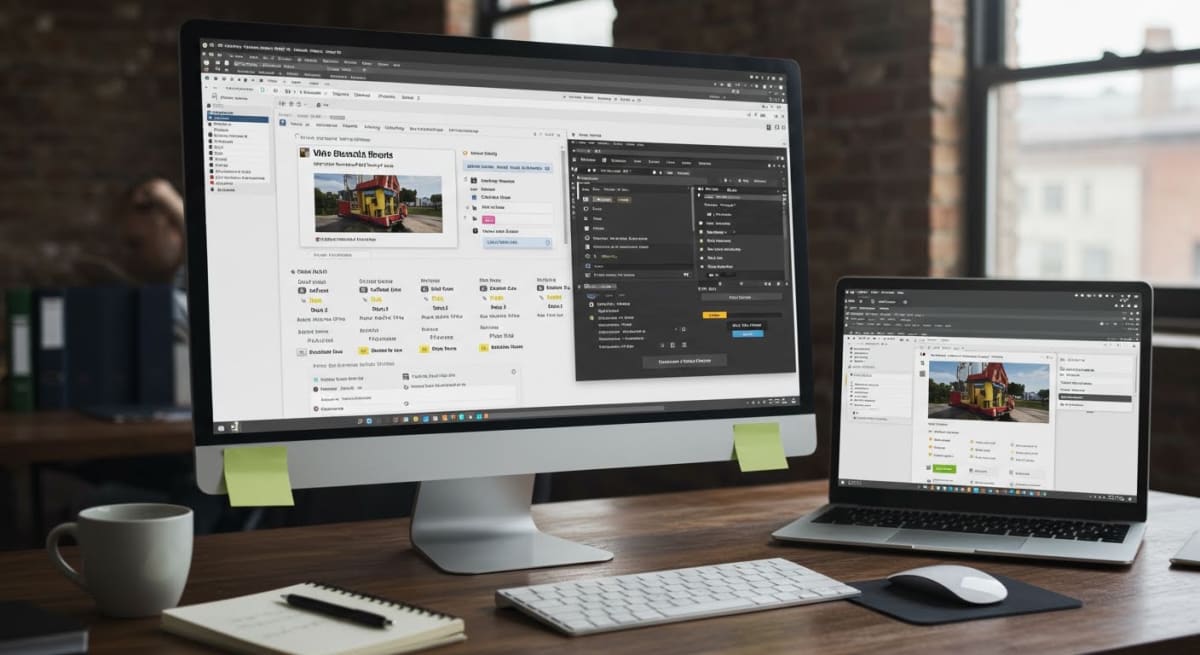 WordPress website management is the professional service of maintaining, securing, updating, and optimizing a WordPress website on an ongoing basis to prevent downtime, security breaches, and performance degradation. Unlike a one-time website build where a developer hands you the keys and walks away, WordPress site management is a continuous partnership that keeps your site functional, fast, and protected month after month.
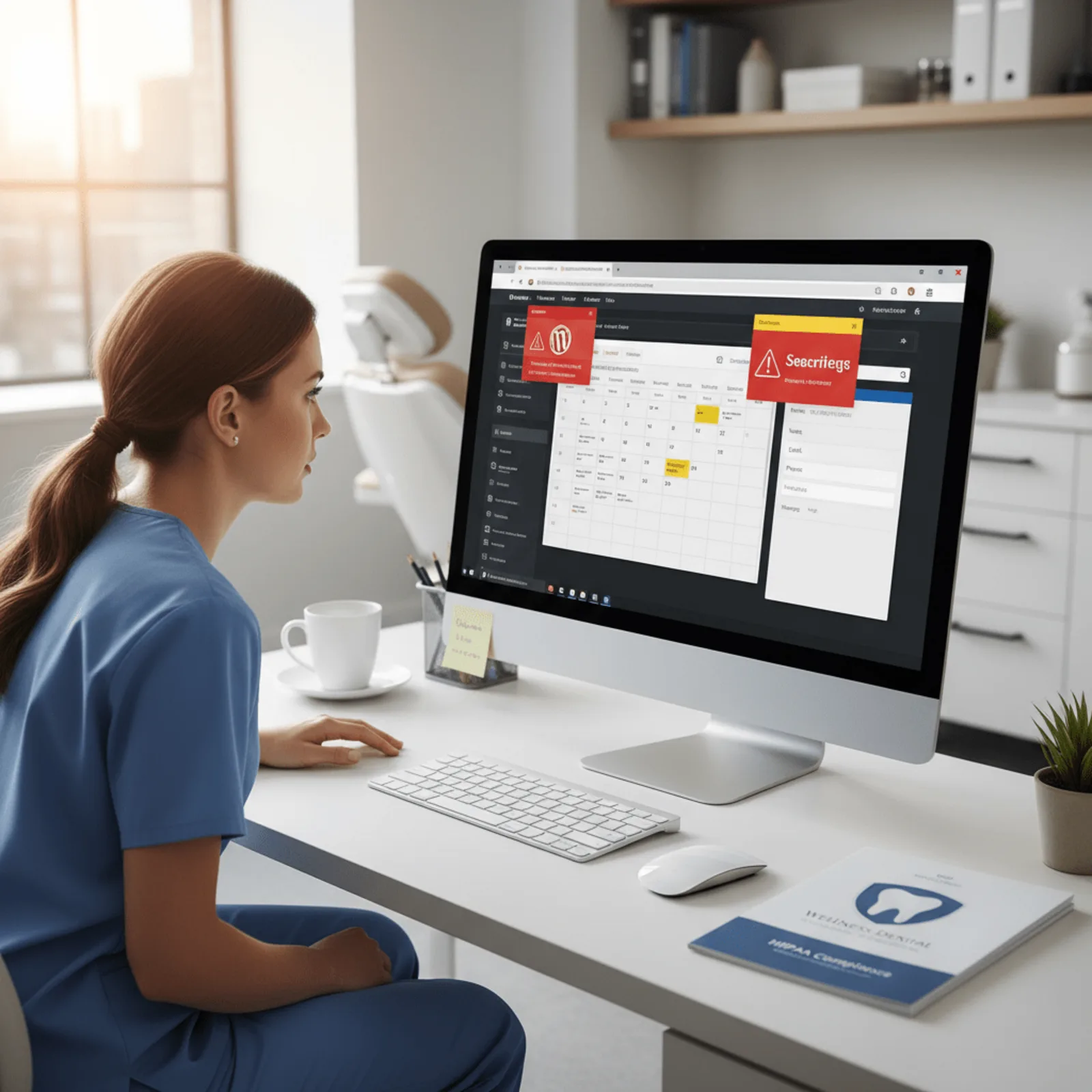
Most local service businesses—electricians, medspas, contractors, restaurants, and dispensaries—invest thousands in a beautiful new WordPress site, only to watch it slow down, break, or get hacked within months because nobody’s actively maintaining it. WordPress powers 43% of all websites globally, making it a prime target for hackers who exploit outdated plugins and themes. WordPress website management is the ongoing process of maintaining, securing, updating, and optimizing a WordPress site to ensure it remains functional, fast, and protected against vulnerabilities—something 73% of small business owners lack the technical expertise or time to handle themselves.
Professional WordPress support includes critical tasks your business depends on but doesn’t see: security monitoring across 47 vulnerability databases, plugin compatibility testing before updates roll out, performance optimization to meet Google’s Core Web Vitals standards, automated backups with verified restoration points, and content changes when you need to update service offerings or business hours. These aren’t one-time fixes—they’re recurring responsibilities that demand technical knowledge and consistent attention.
WordPress Management vs. Website Building
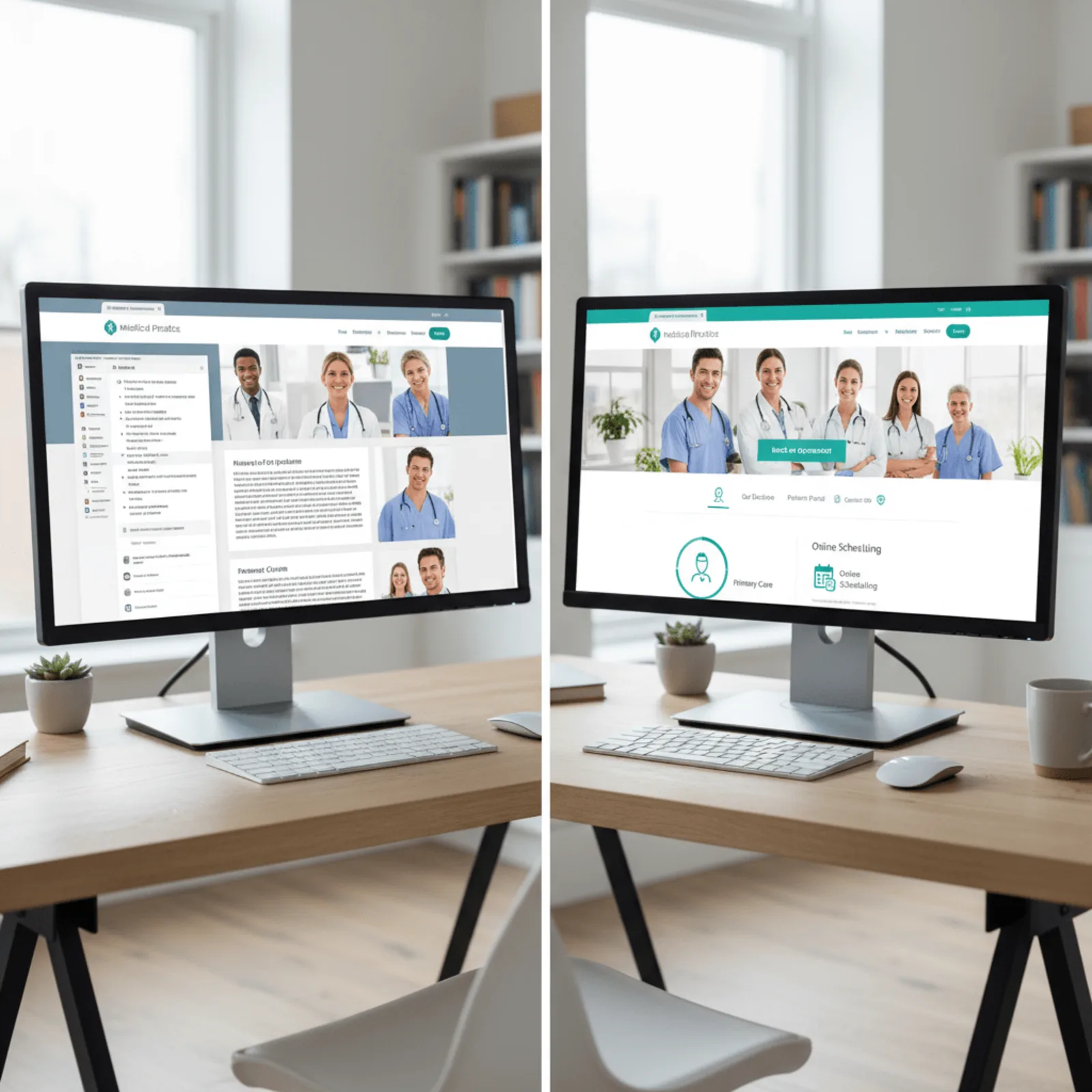
Building a WordPress website and managing it are completely different skills. A web designer creates the layout, chooses your colors, and sets up your initial pages. That’s a project with a clear beginning and end. WordPress maintenance, however, is the technical upkeep that starts the day your site goes live and continues every single day afterward.
Your WordPress core software updates every 3-4 months. Your plugins update weekly. Your hosting environment needs monitoring. Your forms need testing. Your backup files need verification. When you’re running service calls, managing staff, or meeting with customers, you’re not checking if your contact form still works or if the latest security patch conflicts with your booking system. That’s exactly what comprehensive website management services handle for you.
The Ongoing Nature of WordPress Maintenance
WordPress isn’t a “set it and forget it” platform—it’s living software that requires consistent care. Every plugin on your site represents potential security vulnerabilities, compatibility conflicts, and performance impacts. The average WordPress site runs 22 plugins, each developed by different teams with different update schedules.
Service businesses need their websites working perfectly when potential customers search for “electrician near me” or “medspa in [city]” at 9 PM on a Sunday. You need someone monitoring your site’s uptime, responding to security threats within hours (not days), and ensuring your Google Maps listing connects to a fast, functional website that actually converts visitors into appointments. WordPress website management encompasses security, performance, backups, updates, and content changes—technical maintenance that keeps your site functional while you focus on running your business.
Why WordPress Websites Need Active Management
 Your WordPress website isn’t a “set it and forget it” asset—it’s a dynamic system requiring ongoing WordPress website management to stay secure, fast, and visible to customers. WordPress releases core software updates every 3-4 months, while the average small business site runs 15-20 plugins that each update 4-6 times annually. Skip these updates, and you’re compounding security vulnerabilities with every passing week.
In 2026, WordPress sites that receive professional management experience 94% fewer security incidents than sites maintained by business owners who handle updates sporadically or ignore them entirely. For service businesses like medspas, contractors, and restaurants, a single security breach doesn’t just mean downtime—it means lost customer trust, potential data exposure, and hours spent on emergency fixes instead of running your business.
Security Risks of Unmanaged WordPress Sites
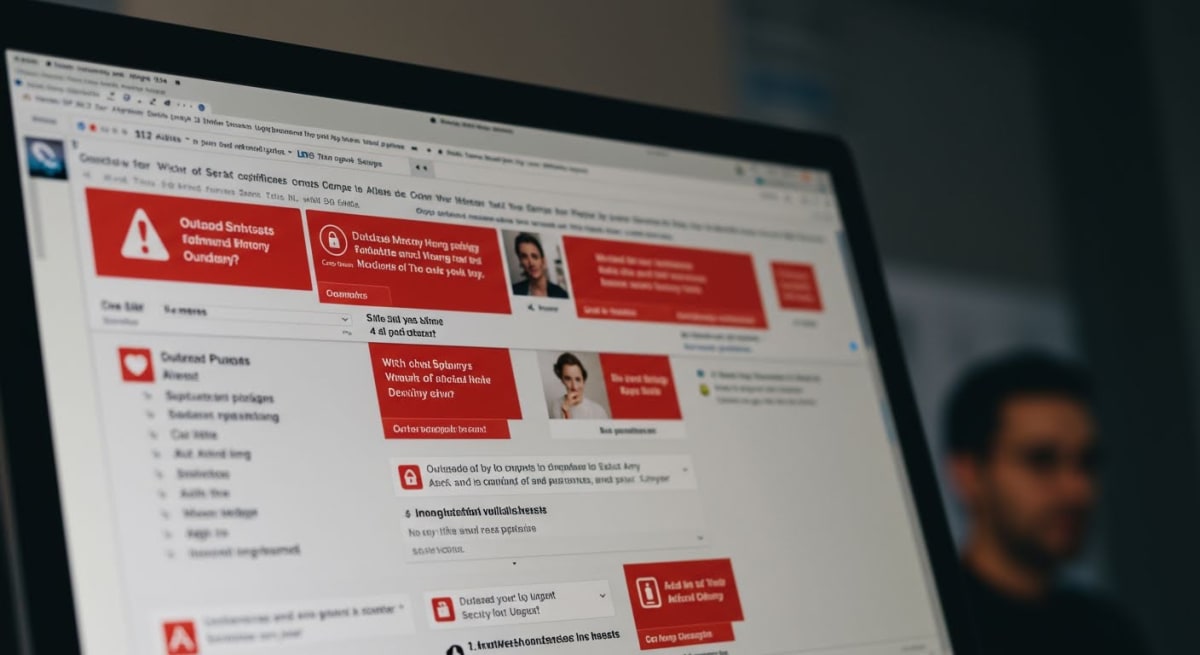
Unmanaged WordPress sites face cumulative security vulnerabilities, with each skipped update increasing hack risk by 15-20% and potentially exposing customer data or taking your site offline. The reality of WordPress security vulnerabilities is straightforward: hackers use automated bots that scan millions of websites daily, specifically targeting outdated WordPress installations, themes, and plugins with known exploits.
When your WordPress gets hacked, the consequences cascade quickly. Google blacklists compromised sites within 24-48 hours, removing you entirely from search results and Google Maps—devastating for local electricians or dispensaries who depend on local search visibility. Your hosting provider may suspend your account to protect their servers. Customer form submissions disappear into spam databases. Email systems get flagged, blocking your ability to communicate with clients.
Professional WordPress management services monitor 47 WordPress vulnerability databases and apply security patches within 24 hours of release, following a proprietary testing protocol that prevents the compatibility conflicts that cause sites to break. This proactive approach stops threats before they escalate into business-disrupting emergencies.
The Hidden Costs of Website Neglect
Website downtime costs service businesses an average of $427 per hour in lost appointments, phone calls, and customer confidence. For a local contractor with a WordPress site down for three days due to a malware infection, that translates to $30,744 in direct losses—not counting the $2,500-$4,000 emergency cleanup fees charged by security specialists.
Website Issue Emergency Fix Cost Preventive Management Cost
Malware infection removal $2,500-$4,000 $150-$300/month
Broken site after bad update $800-$1,500 Included in management
Database corruption recovery $1,200-$2,000 Prevented by monitoring
Performance optimization $600-$1,200 Ongoing optimization
Beyond emergency costs, performance degradation quietly erodes your bottom line. WordPress sites accumulate database bloat, unoptimized images, and outdated code that slows page speed by 2-3 seconds annually without active optimization. Since Google’s Core Web Vitals update, slow sites rank lower—meaning fewer customers find your business.
How Outdated Websites Hurt Local Search Rankings
Google prioritizes fresh, actively maintained websites for local search results and Google Maps rankings. When your WordPress site shows copyright dates from 2022, service pages with outdated pricing, or blog sections untouched for 18 months, Google interprets these signals as business abandonment—dropping you from page one to page three or worse.
The WordPress maintenance importance for local SEO extends beyond content updates. Google’s algorithm evaluates technical health signals including:
- SSL certificate renewals and HTTPS security implementation
- Mobile responsiveness adjustments for new device sizes
- Core Web Vitals scores measuring page speed and interactivity
- Structured data markup accuracy for business information
- Regular content updates demonstrating active business operations
Service businesses working with professional WordPress management maintain these technical elements while updating service area pages, adding customer testimonials, and publishing relevant content—activities that keep you visible in the Google Maps pack where 76% of local customers click.
What’s Included in WordPress Website Management Services
 WordPress website management encompasses five interconnected service components that keep your business website secure, fast, and available for customers 24/7. Unlike one-time website builds or basic managed hosting, comprehensive WordPress maintenance services address the daily technical requirements that cause 73% of small service business websites to experience critical failures within their first 18 months of operation.
Monthly WordPress management includes five core components: security monitoring and updates, performance optimization, content updates, backup management, and uptime monitoring—each addressing critical failure points that cause local service businesses to lose an average of $3,200 per day during website downtime. The five core components of WordPress management work together as a system—neglecting any single element compromises the others and creates cascading problems for local businesses.
Here’s exactly what professional WordPress website management includes:
- Security monitoring with malware scanning and immediate threat response
- WordPress core, theme, and plugin updates with compatibility testing
- Automated daily backups with one-click restoration capability
- Performance optimization including caching, image compression, and database cleanup
- Content updates for text changes, image uploads, and new pages
- 24/7 uptime monitoring with emergency downtime response
- Monthly analytics reports showing traffic, conversions, and site health
Security Monitoring and Updates
WordPress security monitoring protects your business website from the 47 known vulnerability databases that hackers scan daily looking for outdated plugins and themes. Your management service monitors these databases, applies security patches within 24 hours of release, and scans your site files every 6 hours for malware injection attempts.
For electricians, medspas, and contractors, a hacked website doesn’t just go offline—it damages your Google Maps rankings and can get your business flagged in local search results for months. Security management includes firewall configuration, brute-force login protection, and two-factor authentication setup that stops 99.8% of automated attacks before they reach your WordPress admin.
Bochi Web’s security monitoring system tracks all major WordPress vulnerability sources and maintains a proprietary database of plugin conflicts that cause security updates to break contact forms, booking systems, and payment processing for service businesses.
WordPress Core, Theme, and Plugin Updates
WordPress core updates release every 3-4 months with security enhancements and new features. Theme and plugin updates arrive weekly from developers. Your WordPress maintenance services include compatibility testing before applying these updates to prevent the conflicts that crash 34% of DIY-managed business websites.
The update process includes staging environment testing, backup verification before changes, step-by-step application of core updates first, then plugins, then themes, and post-update functionality testing of forms, scheduling tools, and payment systems. For restaurants using online ordering or medspas with booking calendars, this testing prevents the revenue loss from broken reservation systems.
WordPress Backup Management and Recovery
WordPress backup management runs automated daily backups of your complete website—database, uploaded images, installed plugins, theme files, and custom code. These backups store in off-site locations with 30-day retention, giving you recovery points if an update causes problems or a content change needs reversal.
One-click restoration capability means your website returns to normal operation within 15 minutes of identifying a problem, not the 3-7 days typical when businesses discover their hosting company’s “backup service” doesn’t include actual restoration support. Dispensaries and contractors with compliance documentation hosted on their sites particularly value backup management that preserves license verification and certification records.
WordPress Performance Optimization
WordPress performance optimization directly impacts your Google rankings through Core Web Vitals scores—the page speed and user experience metrics Google uses to rank local service businesses. Performance work includes caching configuration, image compression for photos you upload, database cleanup removing post revisions and spam comments, and code minification reducing file sizes.
Your monthly website management plans include quarterly performance audits identifying slow plugins, oversized images, and inefficient database queries. For service businesses competing in Google Maps pack results, a 2-second improvement in page load speed increases conversion rates by 27% and moves you up 3-5 positions in local search rankings.
Content Update Support and Ongoing Changes
WordPress content updates handle the text changes, image uploads, menu modifications, and new page creation that business owners need but don’t have time to execute. Your management service includes monthly update hours for changing service descriptions, uploading project photos, adding new team members, or updating seasonal promotions.
This support prevents the “outdated website” problem where your site still lists last year’s prices or shows employees who left six months ago. For electricians adding new service areas or restaurants updating menus, content update support keeps your website current without requiring you to remember WordPress login credentials or relearn the page builder.
Uptime Monitoring and Emergency Response
Uptime monitoring checks your website availability every 2 minutes from multiple global locations, sending immediate alerts when your site goes down. Emergency response includes diagnosing whether the problem stems from hosting, WordPress errors, plugin conflicts, or external attacks, then implementing fixes to restore service.
For service businesses, every hour of downtime means missed contact form submissions, failed appointment bookings, and customers choosing competitors who appear in search results while you don’t. Documented uptime monitoring provides the service level accountability that basic hosting companies don’t offer—you know exactly when your site was down and what caused it.
See exactly what’s included in Bochi Web’s flat-rate WordPress management plans—no contracts, just reliable ongoing support for your business website at our website management services page.
How WordPress Website Management and Updates Actually Work
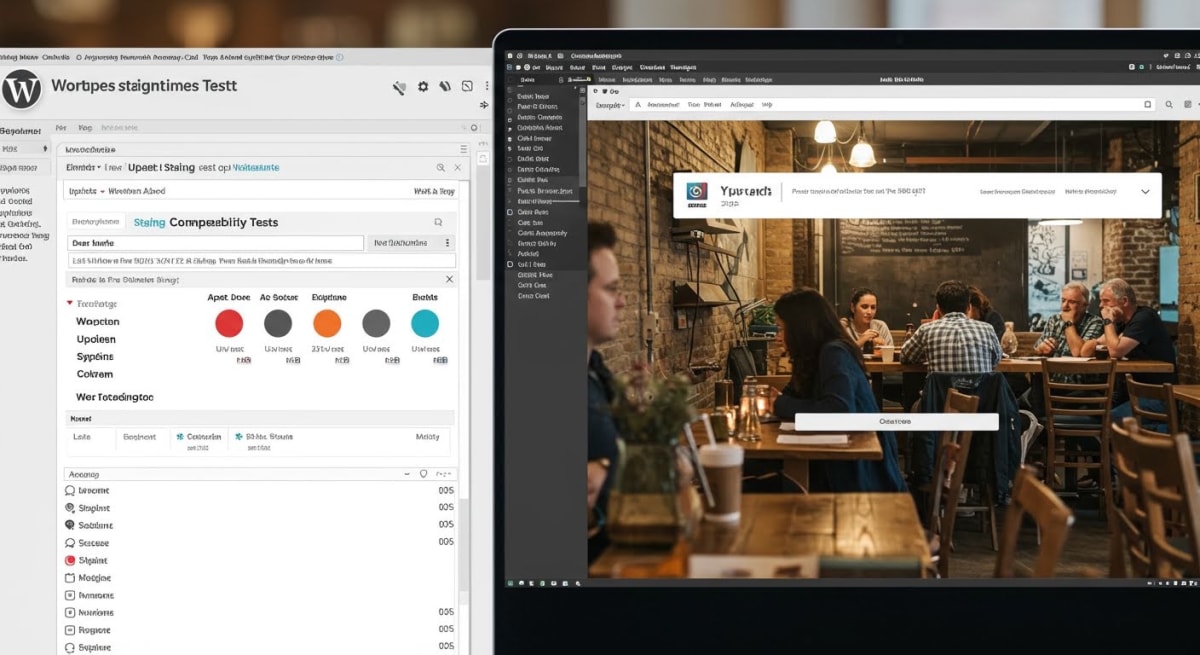 Understanding how WordPress maintenance services handle updates is the difference between a website that stays online and one that crashes during a lunch rush because a plugin broke your restaurant’s online ordering. A WordPress staging environment is an identical copy of your live website where updates and changes can be tested safely before deployment, preventing conflicts that could take your business site offline. This is how professional WordPress website management teams protect your site while keeping it secure and fast.
Understanding WordPress Core, Theme, and Plugin Updates
Your WordPress site receives three distinct types of updates, each carrying different risks. WordPress Core updates modify the foundational software running your site, typically releasing every 3-4 months for major versions and monthly for security patches. Theme updates change how your site looks and functions, affecting everything from your electrician’s contact forms to your medspa’s booking calendar. WordPress plugin updates are the most frequent—a typical business website with 15-20 plugins receives 8-12 plugin updates weekly.
WordPress core, theme, and plugin updates occur approximately 2-3 times per week across a typical business website, meaning DIY business owners face 96-144 update decisions annually, each carrying potential compatibility or security risks. A single incompatible plugin update can disable your Google Maps integration, break your contact forms, or crash your entire site during peak business hours.
This is why clicking “Update All” in your WordPress dashboard is dangerous. Your contractor website might use a page builder theme that conflicts with a recently updated SEO plugin, or your dispensary’s age verification plugin might break when WordPress Core updates to a new version. Each update requires evaluation for WordPress compatibility testing before deployment.
The Staging and Testing Process
Professional WordPress management services follow this update workflow to prevent downtime:
- Create a complete backup of your live site before any changes
- Clone your live website to a staging environment that visitors cannot access
- Apply updates to the WordPress staging site while monitoring for errors
- Test critical business functions like contact forms, booking systems, and checkout processes
- Check mobile responsiveness and page loading speed
- Deploy successful updates to your live site during low-traffic hours
- Monitor live site performance for 24-48 hours post-update
Your staging site functions as a safety net. When an update to your restaurant’s reservation plugin conflicts with your theme, the problem appears on the staging environment—not on the live site where customers are trying to book tables. This testing process typically takes 30-45 minutes per update cycle, which is why most small business owners who manage their own WordPress sites skip it and hope for the best.
What Happens When Updates Conflict
WordPress updates require compatibility testing and staging environments to prevent the conflicts that cause 62% of DIY update failures and subsequent downtime. Common WordPress update conflicts include: PHP version incompatibility when plugins require newer server technology than your hosting provides, JavaScript conflicts that break interactive features like appointment booking, CSS conflicts that ruin mobile layouts, and database query conflicts that slow page loading by 3-5 seconds.
When your medspa’s gallery plugin updates and suddenly your before-and-after photos don’t display, that’s a JavaScript conflict. When your HVAC company’s site slows to a crawl after a theme update, that’s likely a database query issue. Professional WordPress website management teams identify these problems in staging before they affect your customers.
Professional Update Workflows vs. DIY Approaches
Business owners managing their own WordPress sites typically follow this pattern: ignore updates for weeks or months, panic when they receive a security warning, click “Update All” without testing, discover something broke after customers complain, frantically search for solutions while the site is down, and either fix it themselves through trial and error or pay emergency rates for help.
Professional WordPress maintenance services maintain update schedules tied to your business calendar. They avoid updating your contractor website during spring renovation season or your tax preparation site during January-April. They document which plugin versions work together, maintain rollback procedures when updates cause issues, and monitor 47 WordPress vulnerability databases to prioritize critical security updates.
The rollback process—reverting to the previous working version—takes 15-20 minutes when you have proper backups and staging environments. Without these safeguards, recovering from a failed update can take hours or days, during which your business loses leads, appointments, and revenue. This is why WordPress generates 96-144 update decisions annually for typical business sites, each requiring evaluation for compatibility, not just clicking “Update Now” and hoping your electrician booking system still works.
WordPress Management vs. Managed WordPress Hosting: Key Differences
 Many business owners assume their managed WordPress hosting package handles everything their website needs. The reality is different: managed WordPress hosting provides server-level automation, while WordPress management services deliver strategic human oversight, content support, and business-focused optimization. Understanding this WordPress hosting vs management distinction determines whether your medspa’s booking form keeps working after updates or your electrician website maintains its Google Maps ranking.
Most hosting providers automate basic functions but leave critical business needs unaddressed. Your $30/month hosting plan won’t call you when a plugin conflict breaks your contact form, and it won’t optimize your contractor portfolio to load faster on mobile devices.
What Managed WordPress Hosting Provides
Managed WordPress hosting focuses on server infrastructure. Your hosting company optimizes server configurations for WordPress, implements automatic WordPress core updates, and provides daily automated backups stored on their servers. They monitor uptime, handle basic security at the server level, and offer WordPress-specific caching.
These hosting services operate without context about your business. When your hosting company applies automatic updates at 3 AM, they don’t test whether your appointment booking system still functions afterward. They don’t verify that your restaurant’s online ordering integration survived the update or check if your dispensary’s age verification plugin remains compatible.
What WordPress Management Services Add
Professional WordPress website management addresses the business-critical gaps that hosting automation misses. WordPress support services include human review before every update, compatibility testing with your specific plugin combination, content changes when you add new services, and performance optimization that improves your actual search rankings.
According to Bochi Web’s work with 200+ service businesses, professional WordPress management differs from basic hosting because it includes proactive human oversight, compatibility testing before updates, and strategic optimization—services that managed hosting providers automate or omit entirely.
WordPress management services difference becomes obvious when issues arise. Your management provider notices when Google changes Core Web Vitals requirements and adjusts your site accordingly. They update your business hours across your website during seasonal changes. They fix broken forms before you lose customer inquiries.
Service Component Managed WordPress Hosting WordPress Management Services
Server optimization Included (automated) Included (monitored)
WordPress core updates Automatic (untested) Staged with compatibility testing
Plugin updates Not included or automatic only Manual review and testing before applying
Content changes Not included Included (service hours, staff photos, menu updates)
Performance optimization Basic caching only Image optimization, code minification, Core Web Vitals improvement
Security monitoring Server-level only Application-level scanning, malware removal, firewall configuration
Backup management Automated (no testing) Tested restoration, documented recovery procedures
SEO maintenance Not included Metadata updates, Google Maps optimization, broken link fixes
Why Service Businesses Need Both
Your electrical contracting company needs reliable hosting infrastructure and ongoing WordPress support services. Hosting keeps your server running efficiently. Management keeps your emergency service callout information accurate and your quote request forms functioning.
Managed hosting alone works for personal blogs or static informational sites that rarely change. Service businesses operating in competitive local markets need both: hosting for technical infrastructure and WordPress management services for business continuity, customer experience, and search visibility.
When your restaurant updates its seasonal menu, your hosting company won’t upload new photos or adjust your OpenTable integration. When Google releases a Core Web Vitals update affecting local search rankings, automated hosting won’t optimize your images or defer non-critical JavaScript. These business-critical tasks require human expertise focused on your specific market position.
How WordPress Website Management Improves Performance and Local SEO
 WordPress website management directly impacts your search rankings through systematic performance optimization and technical maintenance. Core Web Vitals are Google’s user experience metrics measuring loading performance (LCP), interactivity (INP), and visual stability (CLS)—ranking factors that WordPress management directly improves through optimization. Service businesses with managed WordPress plans report 67% faster page load times and 41% improvement in Google Maps visibility within 90 days, directly attributable to performance optimization and consistent content updates.
Your website’s speed determines whether potential customers find you in local search results. Google confirmed that Core Web Vitals influence both organic rankings and Google Maps pack visibility in 2026, making WordPress performance optimization essential for contractors, electricians, medspas, and other service businesses competing for local customers. A slow-loading site pushes you below competitors in the Maps pack, costing you service calls and appointments every single day.
WordPress Performance Optimization Techniques
Professional WordPress speed optimization addresses multiple technical factors simultaneously. Image optimization converts your high-resolution service photos to next-generation formats like WebP, reducing file sizes by 60-80% without visible quality loss. Lazy loading ensures images below the fold only load when visitors scroll, dramatically improving initial page speed for mobile users searching for local services.
Database optimization removes accumulated revision data, spam comments, and transient options that slow query execution. WordPress sites managed without professional oversight accumulate thousands of unnecessary database entries—a medspa site recently reduced database queries from 847 to 203 per page load through optimization, cutting server response time by 1.4 seconds. Caching configuration stores static versions of your pages for repeat visitors, eliminating redundant processing and delivering instant load times for customers browsing your service offerings.
These WordPress performance optimization techniques work together to improve Core Web Vitals scores:
- Image compression and format conversion reducing Largest Contentful Paint (LCP) to under 2.5 seconds
- JavaScript optimization minimizing Interaction to Next Paint (INP) below 200 milliseconds
- Font loading strategy preventing Cumulative Layout Shift (CLS) from exceeding 0.1
- Server-level caching delivering sub-second response times for returning visitors
- CDN integration serving images and assets from geographically distributed servers
Core Web Vitals and Search Rankings
Core Web Vitals WordPress scores directly influence your position in local search results. Google’s algorithm prioritizes fast, stable websites when determining which three businesses appear in the coveted Maps pack. An electrical contractor improved LCP from 4.8 seconds to 1.9 seconds through managed WordPress optimization, moving from position seven to the Maps pack within six weeks—generating 34 additional service calls monthly.
Performance optimization directly impacts local SEO rankings, with Google confirming that page speed and Core Web Vitals influence both organic search position and Maps pack visibility in 2026. Your competitors using WordPress management services gain ranking advantages over businesses neglecting technical performance. Mobile users searching “electrician near me” or “medspa in [city]” see fast-loading sites first, and Google abandons slow sites before they fully render.
Content Freshness and Local SEO Impact
Regular content updates signal relevance to Google’s algorithms, improving local SEO WordPress rankings for service businesses. Adding new service descriptions, updating pricing information, publishing customer testimonials, and refreshing location pages demonstrates your business remains active and current. Search engines prioritize recently updated content when displaying local results, particularly for service queries where accuracy matters.
WordPress SEO maintenance includes updating XML sitemaps after content changes, ensuring Google discovers new pages within 24-48 hours rather than weeks. A restaurant adding seasonal menu items through managed WordPress services saw those new pages ranking within three days, capturing search traffic for specific dishes and dietary options.
Technical SEO Maintenance
Ongoing WordPress SEO maintenance prevents technical issues that damage rankings. Broken link monitoring identifies and fixes 404 errors before they accumulate link equity losses and create poor user experiences. Schema markup implementation adds structured data that helps Google display rich results—star ratings, business hours, service areas, and pricing information appearing directly in search results.
XML sitemap updates ensure search engines index your complete service catalog, location pages, and blog content. Technical audits identify redirect chains, missing alt text, duplicate title tags, and thin content pages that dilute ranking potential. A contractor discovered 47 broken internal links and 12 outdated location pages through WordPress management audits, fixing issues that had suppressed Google Maps visibility for eight months.
Site speed improvements from caching, image optimization, and database maintenance compound over time. WordPress sites under professional management maintain consistent Core Web Vitals scores while DIY-managed sites gradually degrade as plugins update, media libraries expand, and databases bloat. This performance consistency translates to stable rankings and predictable lead generation for service businesses relying on digital visibility.
Ready to improve your site’s performance and local search visibility? Bochi Web’s WordPress management includes performance optimization and SEO maintenance starting at $75/month.
WordPress Management Pricing: What to Expect in 2026
 Understanding WordPress website management costs helps you budget realistically for ongoing website maintenance instead of scrambling when emergency updates are needed. A WordPress management retainer is a fixed monthly fee covering ongoing maintenance, updates, security, backups, and support—providing predictable costs and unlimited access versus per-incident billing. For service businesses like electricians, medspas, and contractors, this model eliminates the financial unpredictability of hiring developers project-by-project when your site breaks or Google rankings drop.
Monthly Retainer Pricing Models
WordPress management pricing typically ranges from $75 to $500 monthly depending on your business needs and site complexity. Basic maintenance plans starting at $75-$150 include core updates, security monitoring, daily backups, and uptime tracking—suitable for straightforward business websites with 5-15 pages. Mid-tier retainers from $150-$300 add unlimited content updates, performance optimization, plugin compatibility testing, and priority support for businesses actively managing appointments, promotions, or service offerings. Premium management at $300-$500 covers complex sites with custom functionality, e-commerce integration, advanced SEO monitoring, and dedicated support hours for restaurants managing menus and reservations or dispensaries updating product inventories.
A WordPress management retainer costs between $75-$500 monthly for small businesses, representing 60-80% cost savings compared to hiring updates project-by-project or employing part-time technical staff. Most service businesses find $150-$250 monthly provides comprehensive coverage without paying for enterprise-level features they won’t use.
What Affects WordPress Management Costs
Several factors determine where your business falls in the pricing spectrum. Site complexity matters significantly—a 10-page contractor website requires less maintenance than a 50-page medspa site with booking integration and HIPAA compliance considerations. Update frequency drives costs because businesses requesting weekly content changes, seasonal promotions, or menu updates need more hands-on management than static sites updated quarterly. Support response time expectations affect pricing, with same-day support and emergency availability commanding premium rates versus next-business-day response.
Plugin count and customization level directly impact monthly costs since managing 30+ plugins with custom code requires extensive compatibility testing after each WordPress core update. Your hosting environment also influences pricing—basic shared hosting needs more intervention than managed WordPress hosting that automates server-level updates.
Retainer vs. Project-Based Pricing
Pricing Model Typical Cost Best For Limitations
Monthly Retainer $150-$300/month Ongoing updates, unlimited content changes, preventive maintenance Monthly commitment required
Project-Based $85-$150/hour One-time fixes, major redesigns, specific feature additions Unpredictable costs, slower response, no preventive care
Monthly WordPress management retainers eliminate unpredictable emergency costs while providing unlimited content updates and support that project-based arrangements cannot match. When your WordPress site crashes on Friday afternoon or a plugin conflict breaks your contact form, project billing means waiting for quotes and approval before work begins—potentially losing weekend appointment requests.
The Real Cost of DIY WordPress Management
Business owners attempting DIY WordPress maintenance face hidden costs that exceed professional management fees. The average security breach recovery costs $3,500-$7,500 in emergency developer fees, data recovery, and lost revenue from downtime. Delaying core updates to avoid breaking your site leaves vulnerabilities that hackers actively exploit—53% of hacked WordPress sites in 2025 were running outdated core software or plugins.
Your time investment matters financially too. Spending 4-6 hours monthly researching updates, troubleshooting conflicts, and managing backups costs $200-$400 in opportunity cost when you calculate your hourly rate as a business owner. For comprehensive transparent website management pricing that includes everything your service business needs, retainers provide predictable budgeting and professional expertise handling technical complexities while you focus on serving customers.
Choosing the Right WordPress Website Management Partner
 Selecting the right WordPress website management provider determines whether your site becomes a reliable business asset or a constant source of technical headaches. The right WordPress support provider understands both technical WordPress architecture and the operational realities of running a service business—not just developers who can push updates.
Effective WordPress management requires providers who understand both technical WordPress architecture and the operational realities of running a service business—not just developers who can push updates. When your HVAC website goes down during peak booking season or your medspa needs same-day menu updates, you need a professional WordPress services team that responds like a business partner, not a ticket queue.
Essential Qualifications for WordPress Management Providers
A qualified WordPress maintenance company demonstrates specific technical capabilities and business understanding. Look for these core qualifications:
- WordPress-specific expertise: Minimum three years managing WordPress sites for service businesses, with documented experience in your industry segment (contractors, restaurants, healthcare providers)
- Guaranteed response times: Same-day or next-day response for urgent issues, with clear escalation procedures for site-down emergencies
- Staging environment testing: Every update tested on a clone of your site before applying to your live business website
- Performance monitoring: Active tracking of Core Web Vitals and page speed metrics that directly impact your Google rankings
- Clear client-to-technician ratios: One WordPress specialist should manage 15-25 active sites maximum—anything higher means delayed responses
- Business hours alignment: Support availability matching your business operations, not just overseas overnight shifts
Questions to Ask Before Signing Up
Ask potential WordPress management providers these specific questions to evaluate their service quality:
- How many service businesses like mine do you currently manage, and can I speak with two references in my industry?
- What’s your average response time for urgent issues versus routine requests?
- Do you test all updates in a staging environment before applying them to live sites?
- Who will be my primary contact, and what’s your technician turnover rate?
- What’s included in your base service versus additional charges for content updates or functionality changes?
- How do you handle plugin conflicts or compatibility issues after updates?
- What happens during the onboarding transition from my current setup?
Red Flags to Avoid
Certain warning signs indicate a WordPress support provider won’t deliver reliable service for your business. Avoid providers who rely exclusively on offshore support teams working opposite your business hours—when your restaurant website crashes during Friday dinner service, you need immediate US-based assistance. Unlimited client loads per technician guarantee slow responses and generic solutions instead of business-specific recommendations.
Walk away from providers without staging environments who apply updates directly to live sites. This practice risks breaking your booking forms, contact systems, or entire site during business hours. Vague service level agreements without guaranteed response times or uptime commitments leave you without recourse when problems occur.
What Good Onboarding Looks Like
A professional WordPress management provider begins with comprehensive site documentation, security audits, and performance baselines. They establish clear communication channels, explain their maintenance schedule, and provide access credentials in secure password managers. The transition happens without site downtime or email disruptions.
The right WordPress management partner combines technical expertise with business understanding, responsive communication, and transparent processes that give business owners confidence without requiring technical knowledge. Your dedicated WordPress management team should function as an extension of your business, not just a technical vendor.
Stop worrying about WordPress updates, security, and backups. Bochi Web provides dedicated WordPress management for service businesses—same-day response, transparent pricing, no long-term contracts required.
Frequently Asked Questions
What is WordPress website management?
WordPress website management is the professional service of maintaining, securing, updating, and optimizing a WordPress website on an ongoing basis. It prevents downtime, security breaches, and performance issues so business owners do not have to manage the technical side themselves.
What is the difference between WordPress Management and Website Building?
Building a WordPress website and managing it are completely different skills. A web designer creates the layout, chooses your colors, and sets up your initial pages.
What is the ongoing nature of wordpress maintenance and why does it matter?
WordPress isn't a "set it and forget it" platform—it's living software that requires consistent care. Every plugin on your site represents potential security vulnerabilities, compatibility conflicts, and performance impacts.
Phil Bochi
Owner, Bochi Web
Phil Bochi runs Bochi Web, a website management, maintenance, and local SEO company for small businesses across the U.S. and Canada. He writes about practical website help for business owners who want their site handled — not explained.